

Guide
Charging habits that keep Xbox controller packs healthy
A battery pack spends more hours on its dock than in your hands, so the habits around charging decide how long it serves and how safe the room stays. Most of them take a few seconds: where the dock sits, when it comes off the plug, and where a tired pack ends up.
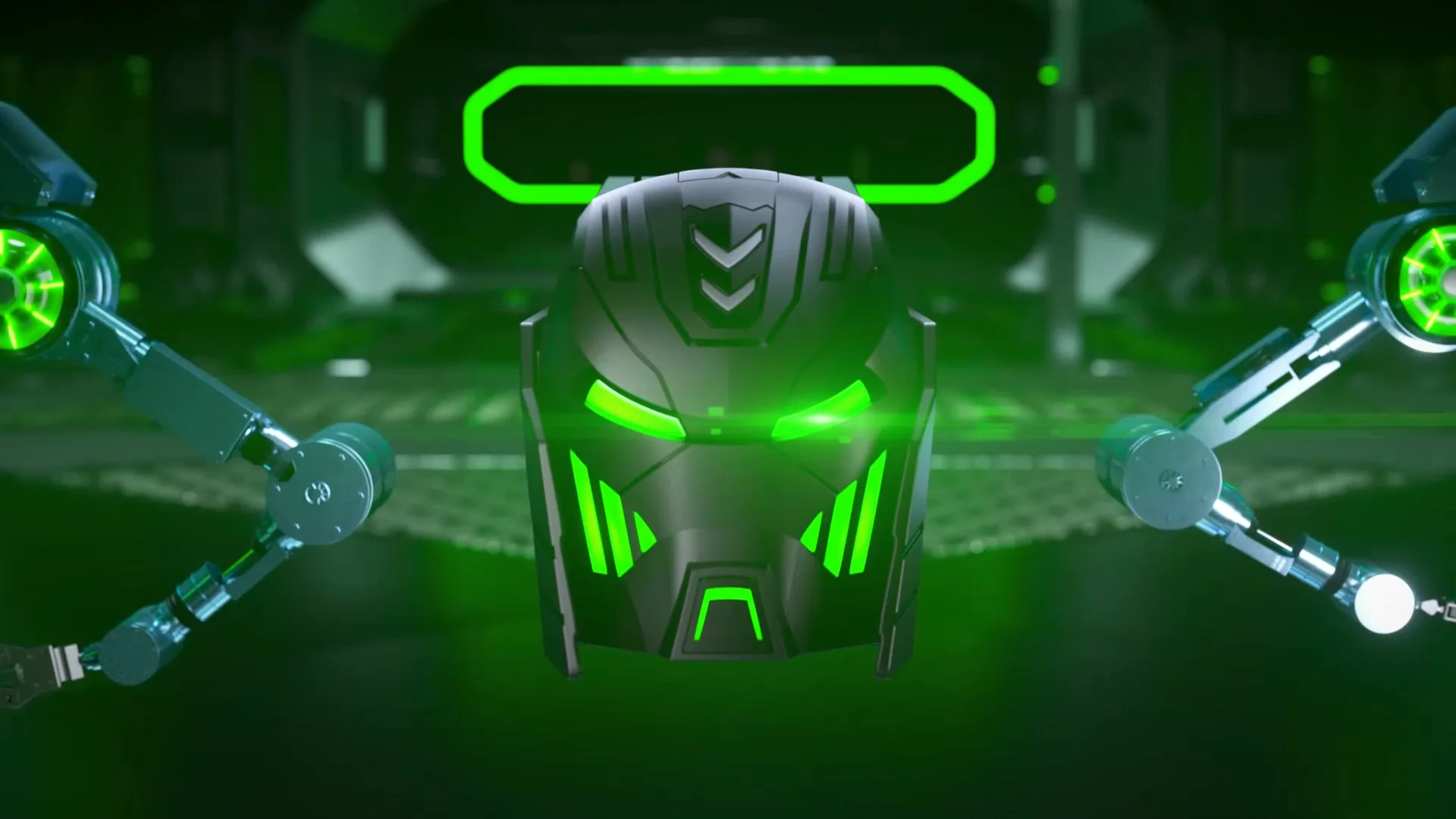
Give the dock a hard, flat place
The U.S. Fire Administration recommends charging devices on solid, flat surfaces out of direct sunlight, and using only original or certified replacement chargers and cables. Around the console that rules out the couch cushion, the carpet and the bed. It also rules out the shelf in a sunny window, however tidy the dock looks there.
A desk, a media console or a bare stretch of bookshelf does the job. Several of our docks help by staying put once they are down. The RGB station and the compact dual charger sit on a silicone pad against slipping, and the PRO station stands on four silicone pads. Leave a little air around the dock, and keep paper, cloth and game boxes from piling up against it.
Use the cable that came in the box. The RGB station ships with a 3.28 ft USB-A to USB-C cable, the PRO station with a 1 m USB-C cable, and the compact charger with its own USB-A to USB-C cable. On the Quad Charger with Built-In Cable, a 9.4-inch cable is part of the charger, with a USB-C port beside it if you prefer to plug in that way.
What the lights on our docks mean
Almost every dock we make shows the same two colors. Red means the pack in that slot is still charging. Green means it is full and ready to go back in the controller. A few docks add a signal of their own, and the table sets them side by side.
| Dock or kit | Charging | Full | Lights off at night |
|---|---|---|---|
| Quad Charging Dock, 4 × 4080 mWh | Red, one light per slot | Green | No switch |
| A100 Charging Station, 5520 mWh | Red | Green | Button on top, charging goes on |
| RGB Charging Station, 6200 mWh | Red in each slot | Green | 3-second press turns the ambient light off |
| Compact Dual Charger, 2 × 6200 mWh | Red | Green | No switch |
| Quad Charger with Light Switch, 4 × 4800 mWh | Red | Green, also on standby | Touch switch on the front, charging goes on |
| Six-Pack Charging Station, 6 × 3600 mWh | Red | Green, also on standby | No switch |
| PRO Charging Station, 4 × 4800 mWh PRO | Red | Green | 3-second press turns the color modes off |
| Quad Charger with Built-In Cable, 4 × 2550 mAh | Red | Green | No switch |
| Play and Charge Kit, 2 × 4800 mWh | Red, next to the port on the pack | Light goes off | Goes dark when full |
Two of these signals catch people out. On the Quad Charger with Light Switch and the six-pack station, green means full or on standby. Red is the light to watch there: a slot that showed red and has turned green holds a full pack. The Quad Charger with Built-In Cable flashes green three times when power is connected, which means the charger is working, not that the packs are done.
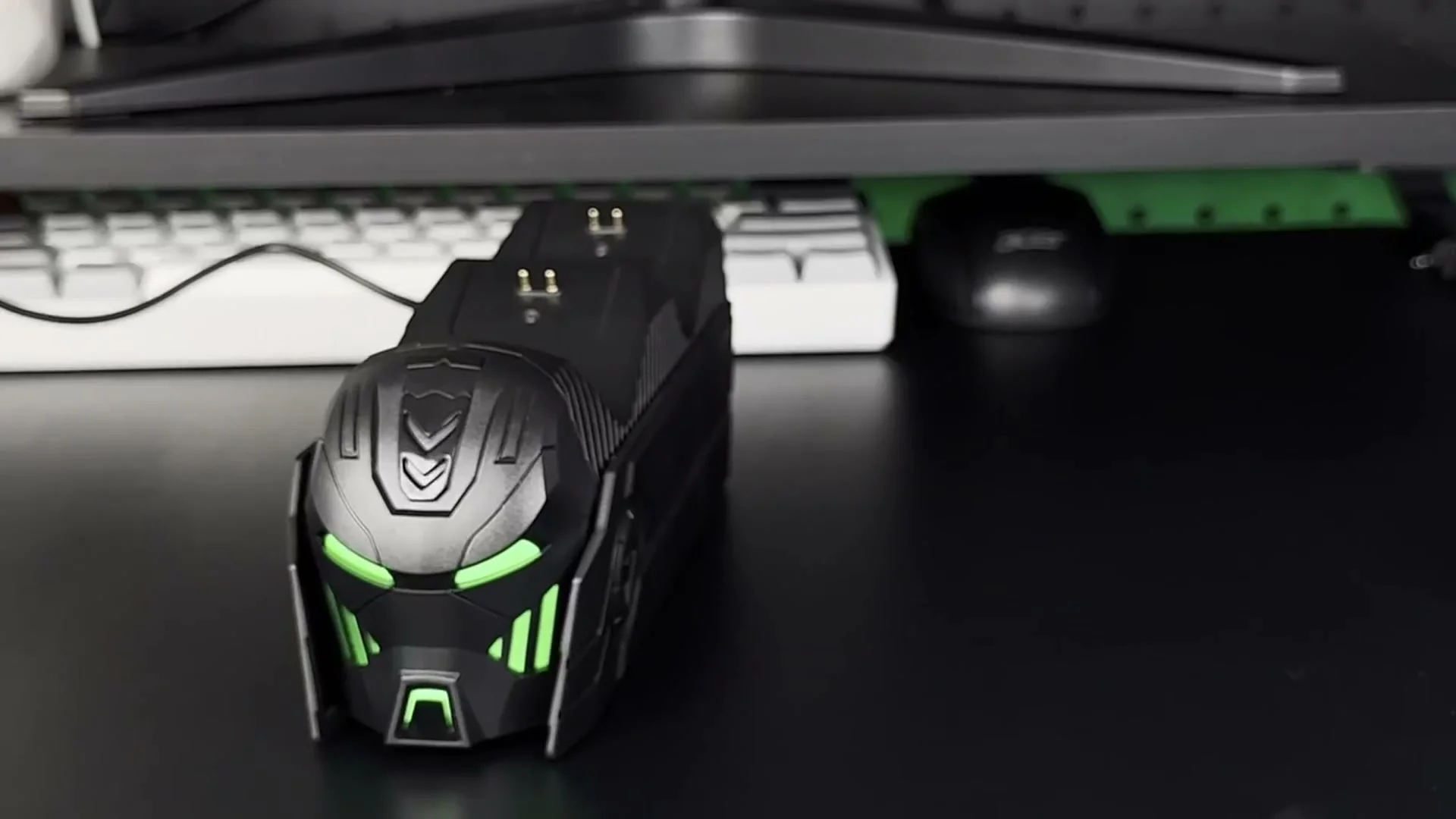
Unplug when the light turns green
Our habit is simple: when every slot shows green, take the packs off or pull the plug. The Quad Charging Dock protects against over-charge, over-current, over-heating and short circuit, and a dock with that protection still has no reason to sit powered for days with nothing left to charge. A full pack in the drawer is ready the moment a controller runs low.
You do not have to fill every slot. The quad 4080 dock charges one pack or all four at the same time, and the Quad Charger with Light Switch takes one, two, three or all four at once. Charging only the packs that have been used keeps the dock on the plug for fewer hours, and the rest wait in the drawer at full.
When you can, charge while someone is home and awake. A pack that charges during an evening of play is in plain sight the whole time. If the only free hours are overnight, keep the dock on its hard surface, clear of anything that burns. Darken it too, if it has a switch, so the light does not keep anyone up.
Docks that can go dark at night
A bedroom or a dorm room is often where the console lives, and a glowing dock beside the bed gets old fast. Four of our docks let you switch the light off without stopping the charge.
- The A100 Charging Station has a button on top that turns its lights off while the packs keep charging.
- On the Quad Charger with Light Switch, a touch switch on the front turns all its lights off, and charging goes on.
- The RGB Charging Station has several ambient light modes, among them breathing, running and steady, and a 3-second press turns that light off.
- The PRO Charging Station changes color modes with a touch button, and a 3-second press turns them off.
The quad 4080 dock, the compact charger, the six-pack station and the quad charger with a built-in cable have no switch. Face them toward the wall, or give them a spot outside the bedroom. If a dark room matters to you, pick from the four above on the charging stations shelf before the first night rather than after it.
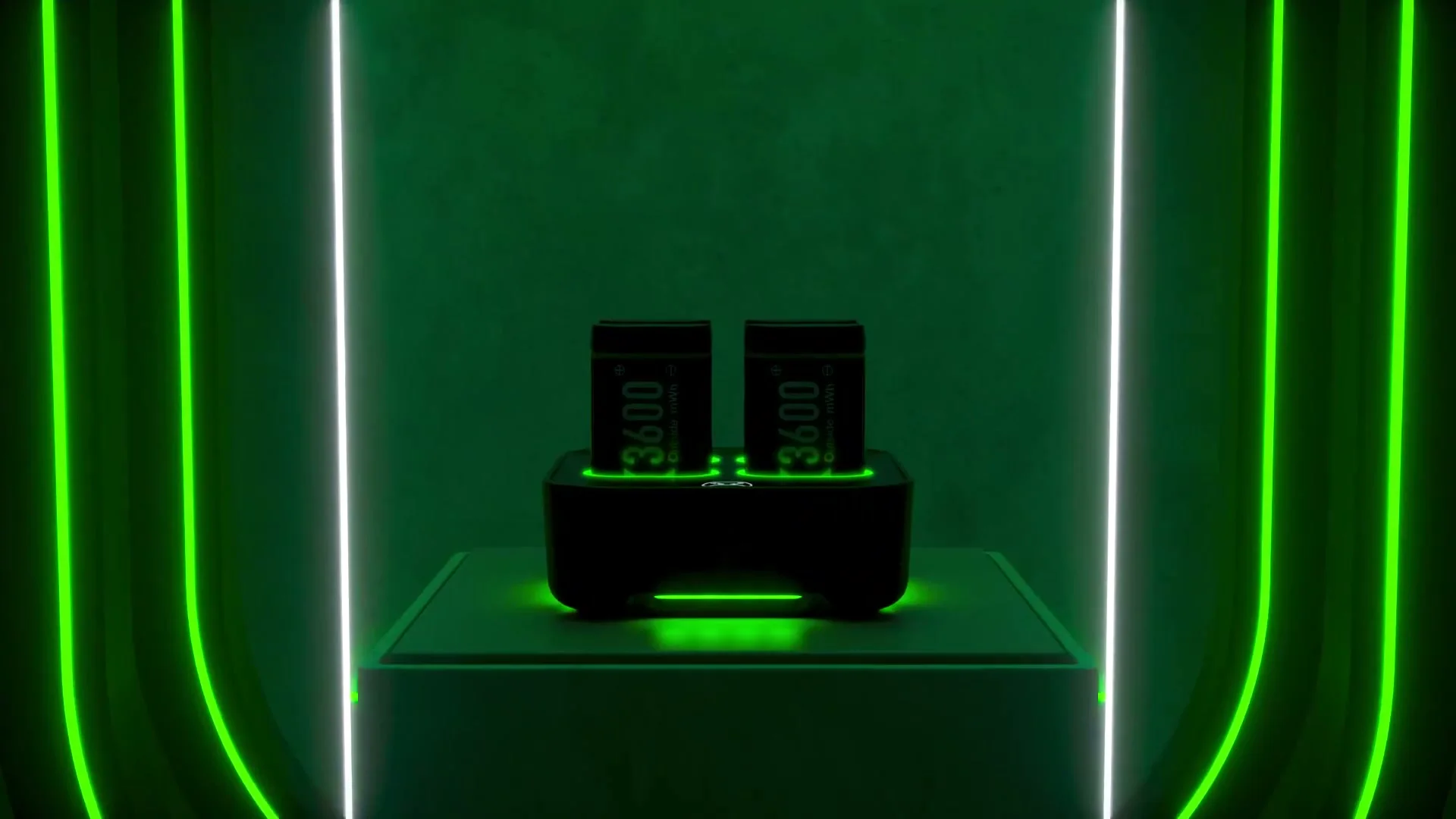
Charging inside the controller
With the Play and Charge Kit, the USB-C cable plugs into the pack while it sits in the controller, so the pack charges while you play. The same habits apply once the match is over. Set the controller on a table rather than on the couch while it finishes. Unplug the cable when the light beside the port goes off, since that is how the kit tells you the pack is full.
When a pack has to go
Packs wear out, and a few fail outright. The U.S. Fire Administration says that a battery that is smoking, hissing, punctured or swollen has to be taken out of use immediately. We treat a pack that leaks, or one whose case has cracked, the same way. A battery cover that suddenly will not close over a pack is a good reason to lift the pack out and look at it.
- Stop using the pack. Take it off the dock, or out of the controller, and unplug the dock.
- Set the pack on a hard surface away from anything that burns, and keep it out of reach of children and pets.
- Do not try to charge it again to see whether it recovers.
- Tape over its metal contacts and take it to a battery drop-off, as described below.
Never in the trash
The EPA says rechargeable batteries do not belong in the trash or in municipal recycling bins. Take them to a battery recycler, to a store that runs a battery take-back program, or to a household hazardous waste collection. To prevent fires on the way, the EPA advises putting non-conductive tape over the terminals or sealing each battery in its own plastic bag. The U.S. Fire Administration puts it more bluntly: never throw batteries in the trash.
A worn pack that still behaves normally goes the same route. Keep a small box or bag by the door for dead packs and AA cells. Tape each set of contacts as it goes in, and drop the lot off on your next errand. Electrical tape works, and so does a sandwich bag per pack.
Controllers that take no pack at all
Not every Xbox controller has room for a pack. Xbox Support says the Elite Wireless Controller Series 2, including the Core version, has an internal rechargeable battery and needs neither the Play & Charge Kit nor AA batteries. Microsoft recommends charging it from an Xbox console or a PC and avoiding other methods, such as a USB wall charger. None of our packs fits it, and none of our docks is meant for it.
Xbox Support also notes that rechargeable AA batteries do not charge inside the controller and should be charged the way their maker recommends. Our packs fit the Xbox One, One S, One X, the first Elite and the Series X|S controllers, and the compatibility page lists them pad by pad. For rated play hours and charge times by pack size, read how long an Xbox controller pack lasts. A question we have not answered here can go to the help desk.
Every dock in the light table above belongs to the DINOSTRIKE range, and the Xbox controller power shelf groups them with the kits and spare packs.
- Choosing a selection results in a full page refresh.
 DINOSTRIKE


