

Presentation clickers
DINOSTRIKE presentation clickers
Clickers for slides: page keys, a pointer light, a black-screen key, and receivers for USB-A or both plugs.
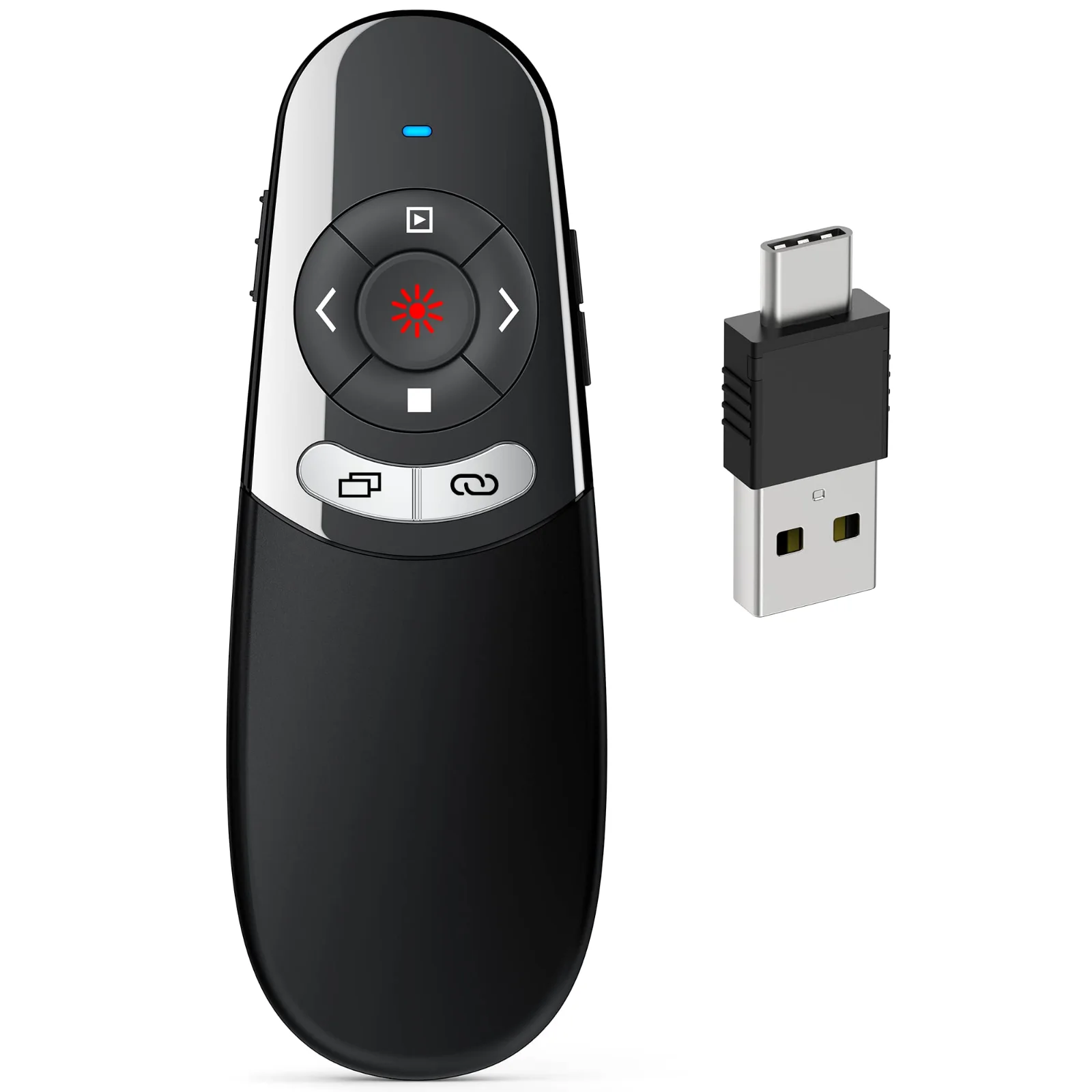
DINOSTRIKE 2-in-1 USB-A and USB-C Clicker
One receiver with both plugs, for a Mac one day and a PC the next
- 164 ft
- 2 × AAA
- USB-A + C
- Price
- $15.99


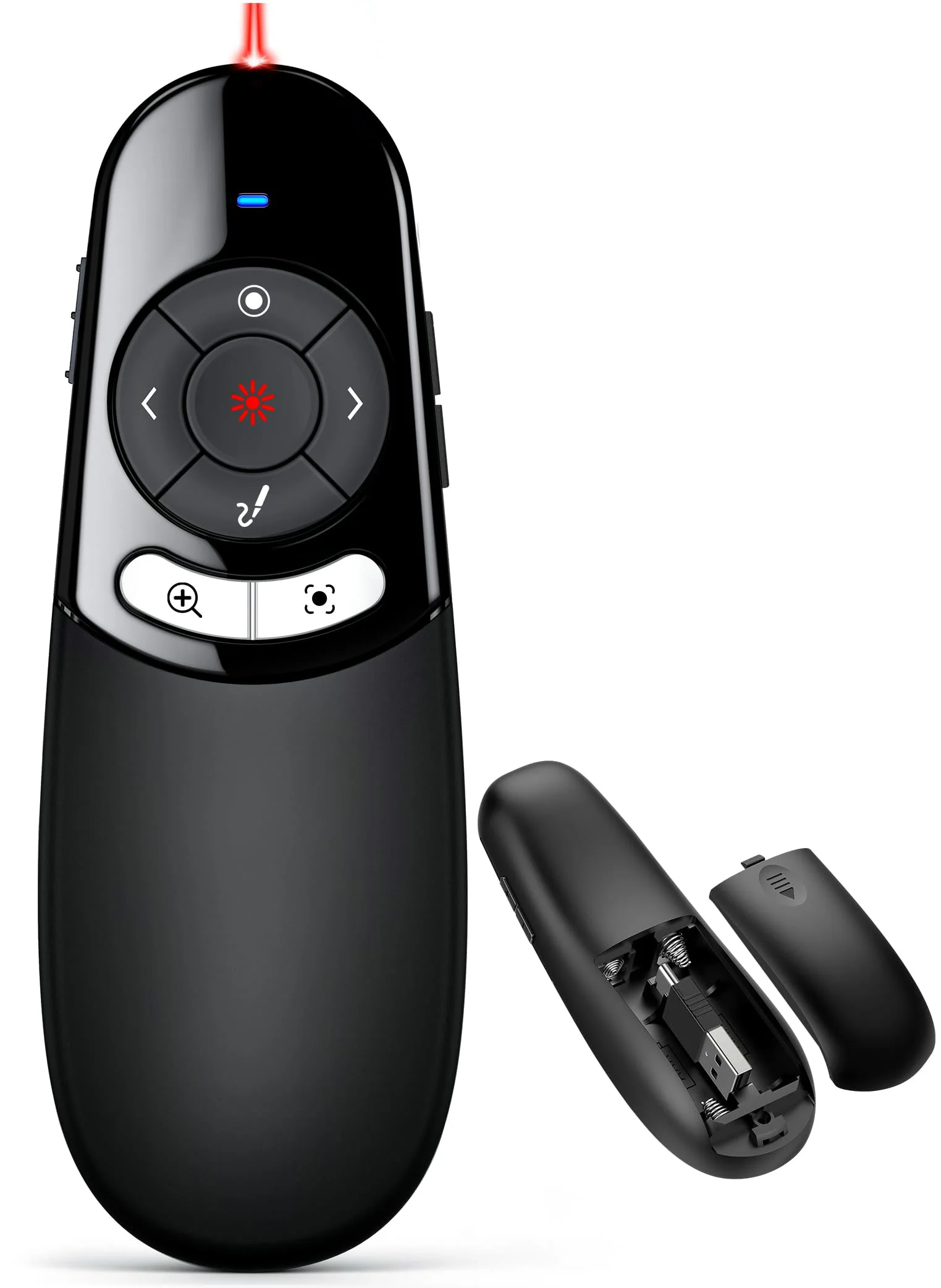
DINOSTRIKE Physical and Digital Pointer Clicker
A red light for projectors and an on-screen pointer for TVs
- 2 × AAA
- USB-A + C
- Price
- $39.99
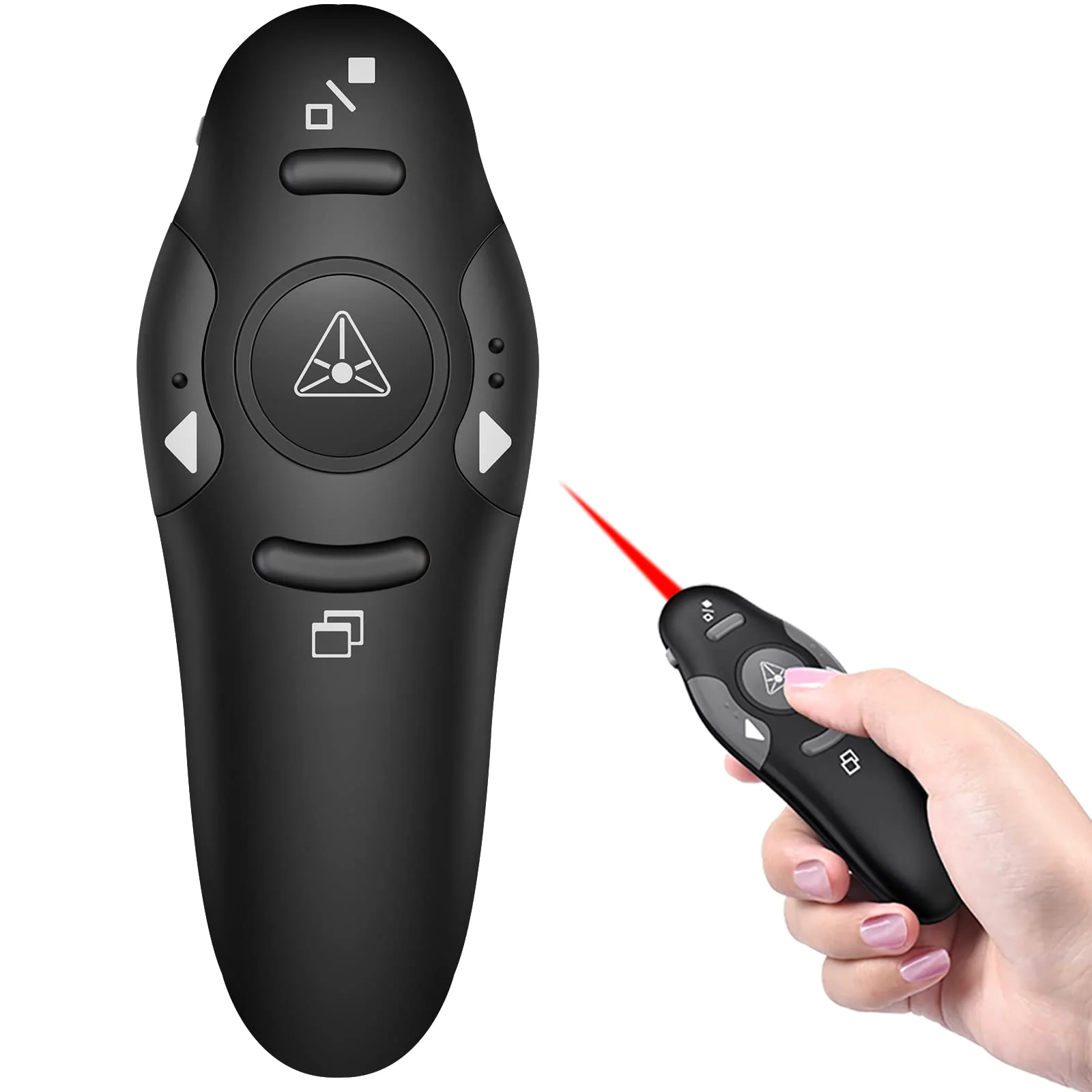
DINOSTRIKE Classic Clicker with Red Light
Separate keys you can tell apart by feel
- 49 ft
- USB-A
- Price
- $9.99
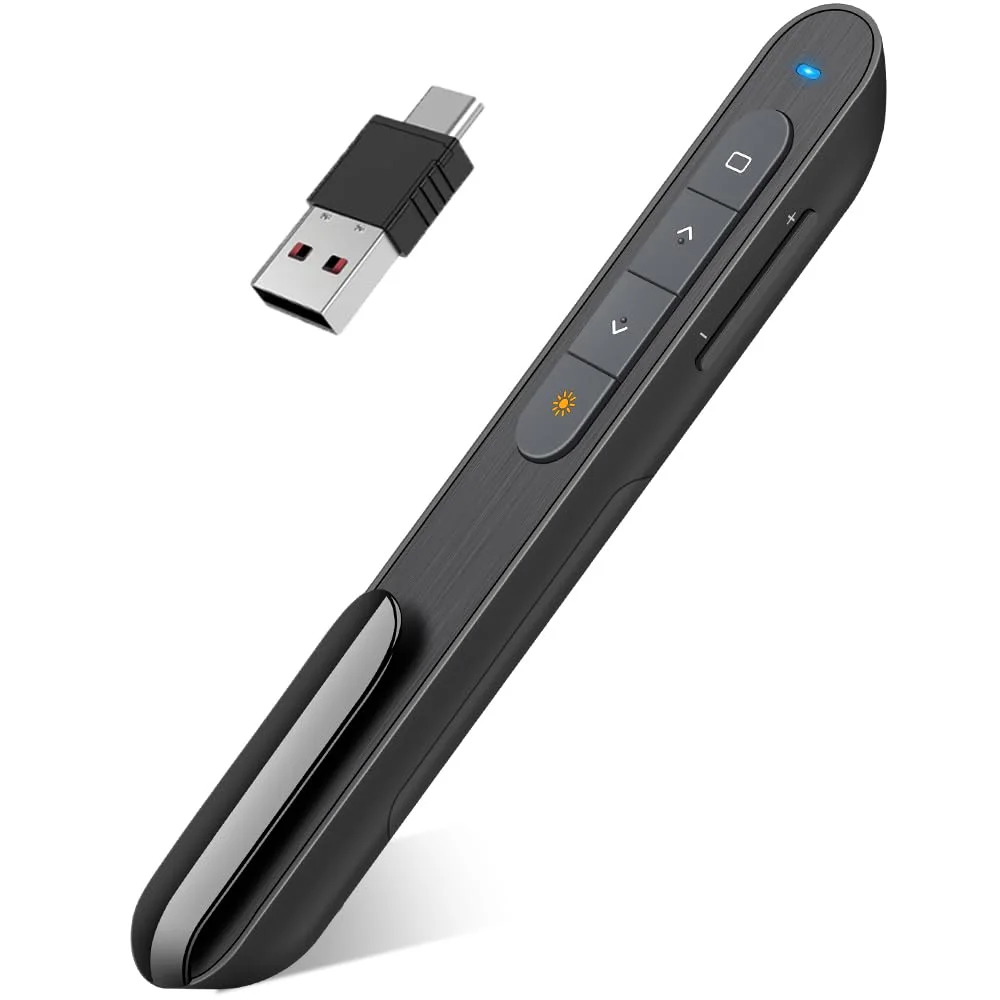
DINOSTRIKE D-Series Dual-Connector Clicker
Light and slim, one AAA cell, both plugs on one receiver
- 100 ft
- 1 × AAA
- USB-A + C
- Price
- $15.99
A clicker does fewer things than an air mouse and does them without thought: forward, back, black screen, light. That is what most talks need.
Pick by the plug on your laptop and the size of the room. For a TV or LCD screen, take the digital-pointer clicker, which draws its pointer on the slide.
The 4 models on the Presentation clickers shelf belong to the DINOSTRIKE lineup, and each carries its box list on its own page.
Questions about DINOSTRIKE presentation clickers
Which DINOSTRIKE clicker fits a USB-C laptop?
The 2-in-1 clicker, the D-Series and the digital-pointer clicker all have receivers with both USB-A and USB-C ends. The classic clicker has a USB-A receiver only.
Can a DINOSTRIKE clicker black out your slides?
Yes. A black-screen key blanks the slide so the room looks at you. The same works from the keyboard in PowerPoint with the B key.
- Choosing a selection results in a full page refresh.
 DINOSTRIKE


