

Present deck
DINOSTRIKE presentation remotes
Clickers and air mouse remotes for slides, from a 49 ft classroom clicker to a rechargeable remote that moves the cursor from 82 ft.
- 6 models
- 10 options
- $9.99 to $39.99
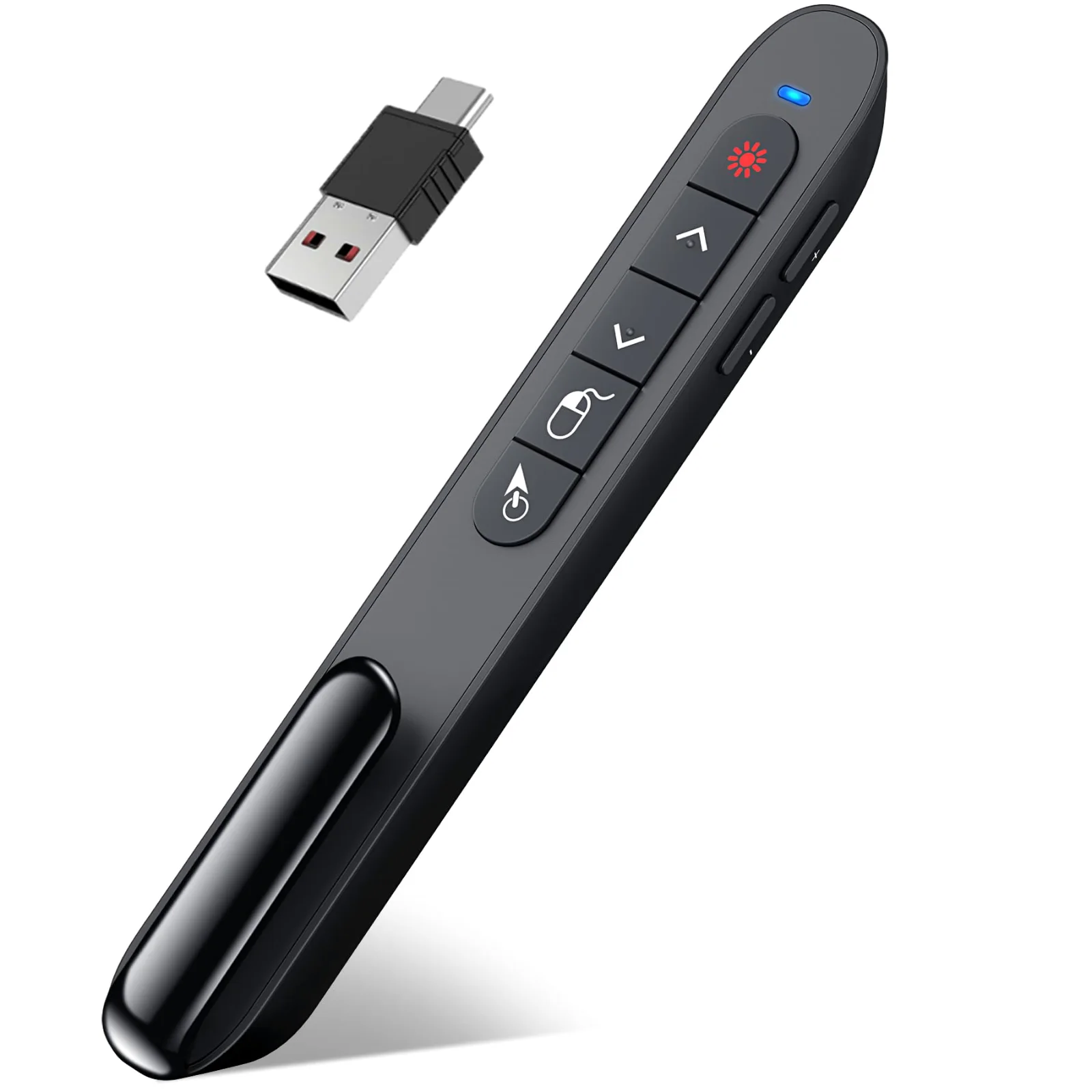
DINOSTRIKE Rechargeable Air Mouse Presenter
Tilt to move the cursor; recharge once and present for weeks
- 164 ft
- Rechargeable
- USB-A + C
- Air mouse
- Price
- From $25.99


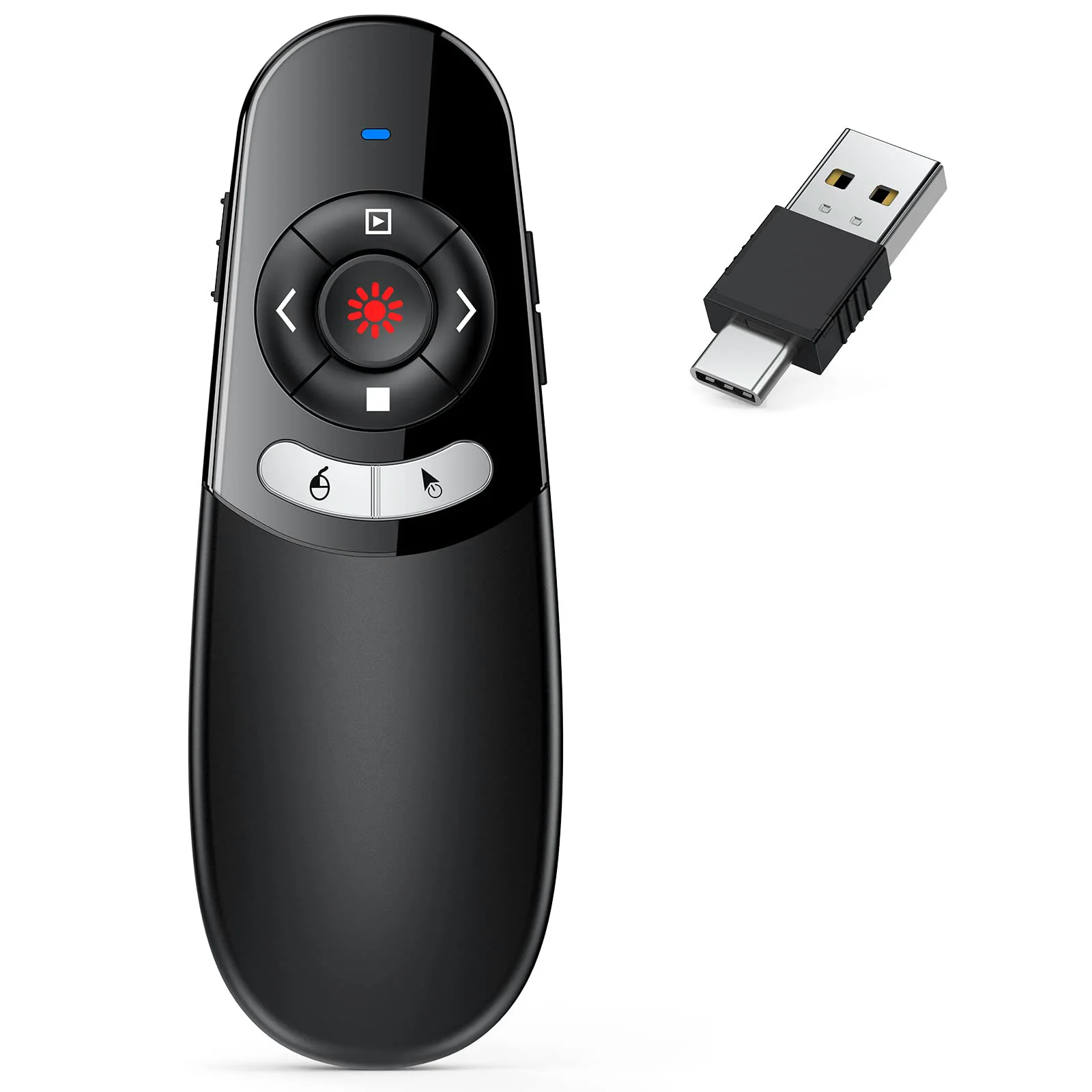
DINOSTRIKE Air Mouse Presenter on AAA Batteries
Air mouse that runs on two AAA cells you can swap anywhere
- 164 ft
- 2 × AAA
- USB-A + C
- Price
- $25.99
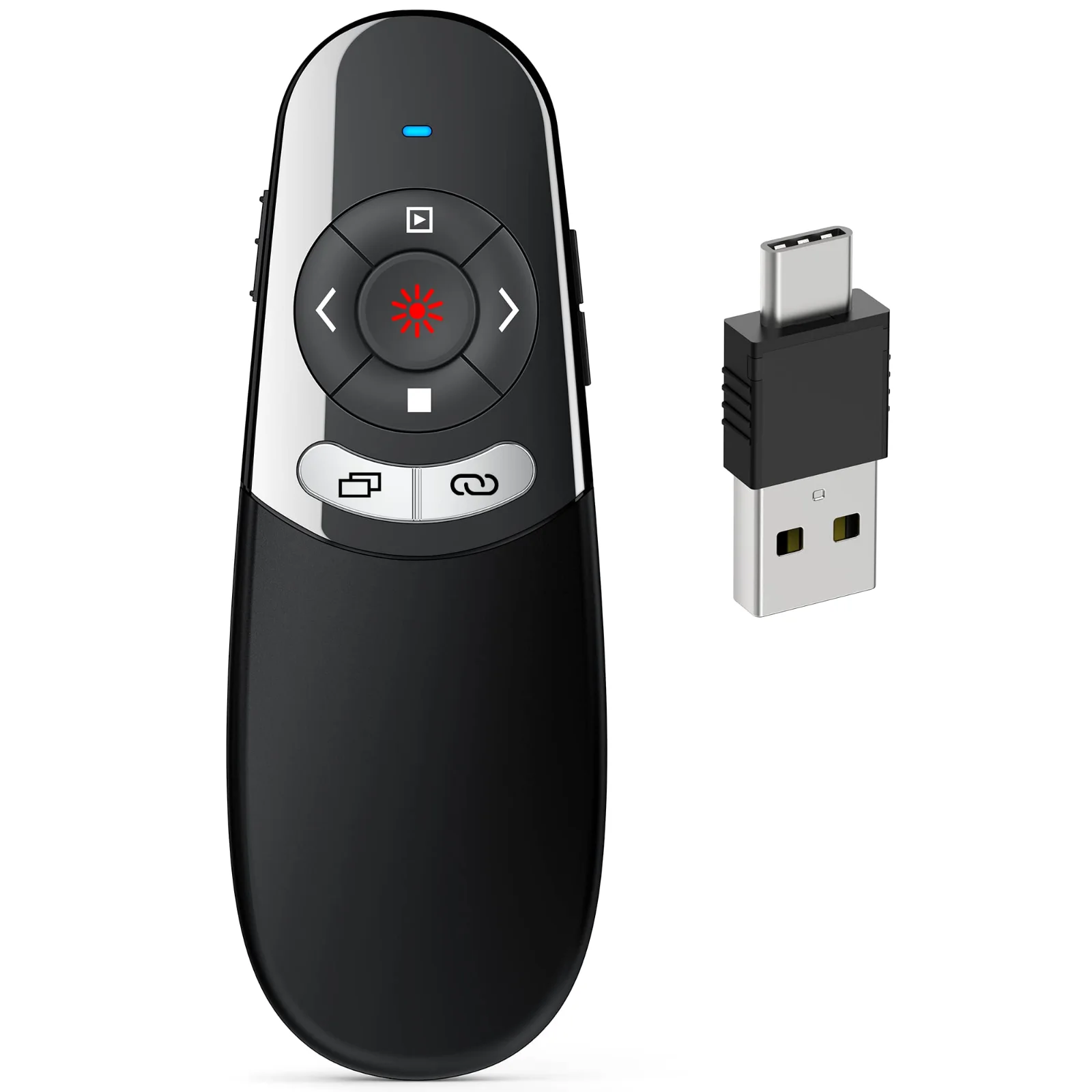
DINOSTRIKE 2-in-1 USB-A and USB-C Clicker
One receiver with both plugs, for a Mac one day and a PC the next
- 164 ft
- 2 × AAA
- USB-A + C
- Price
- $15.99
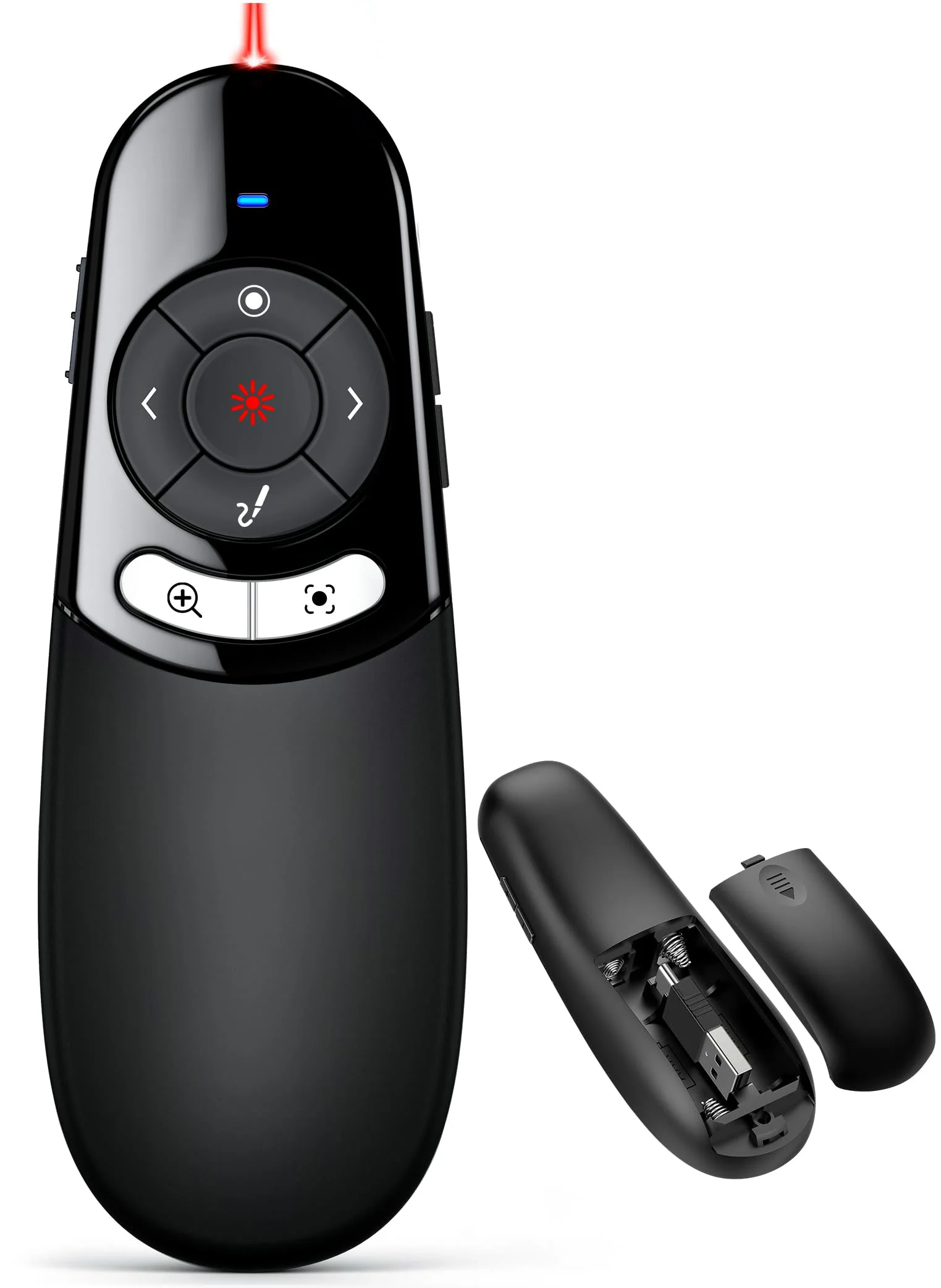
DINOSTRIKE Physical and Digital Pointer Clicker
A red light for projectors and an on-screen pointer for TVs
- 2 × AAA
- USB-A + C
- Price
- $39.99
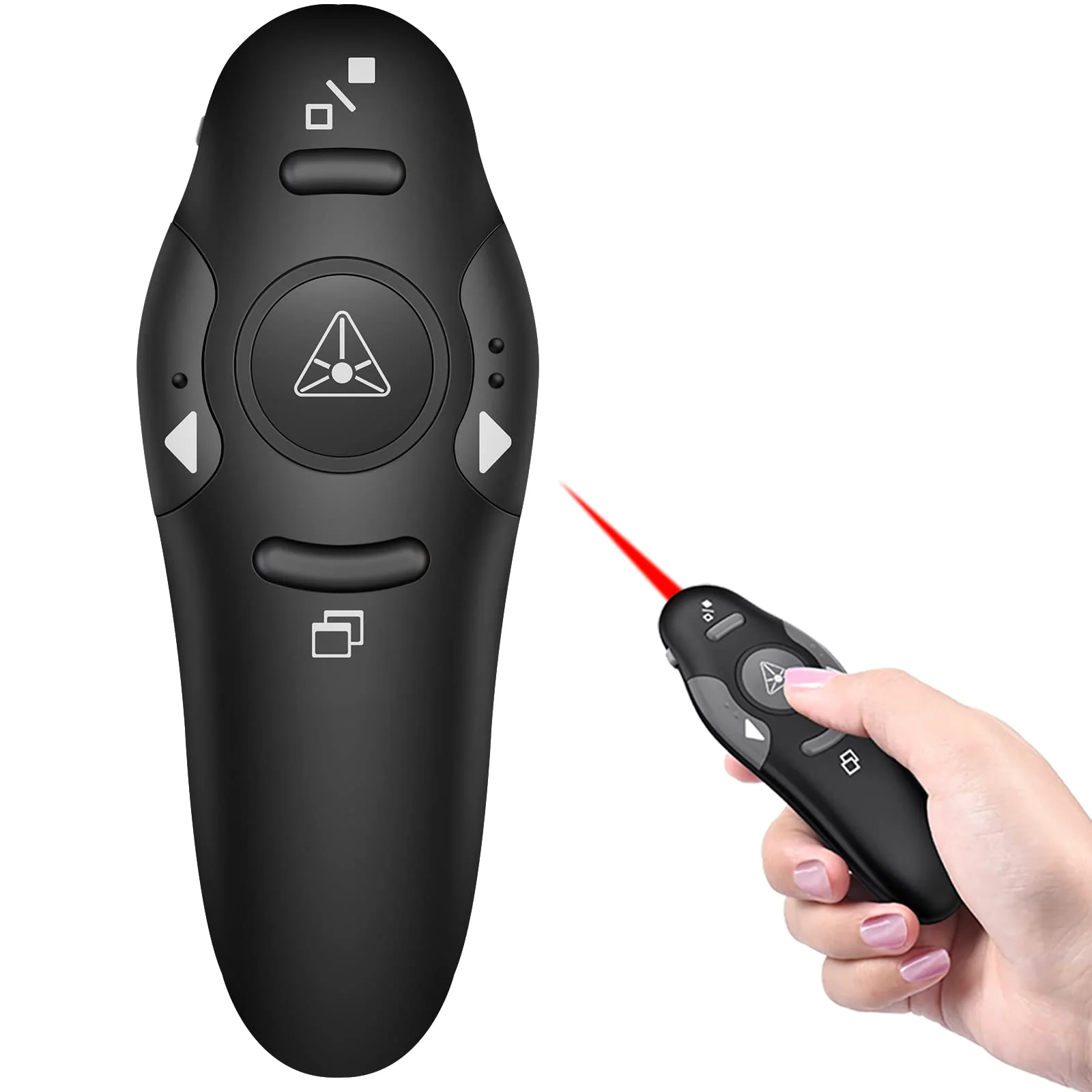
DINOSTRIKE Classic Clicker with Red Light
Separate keys you can tell apart by feel
- 49 ft
- USB-A
- Price
- $9.99
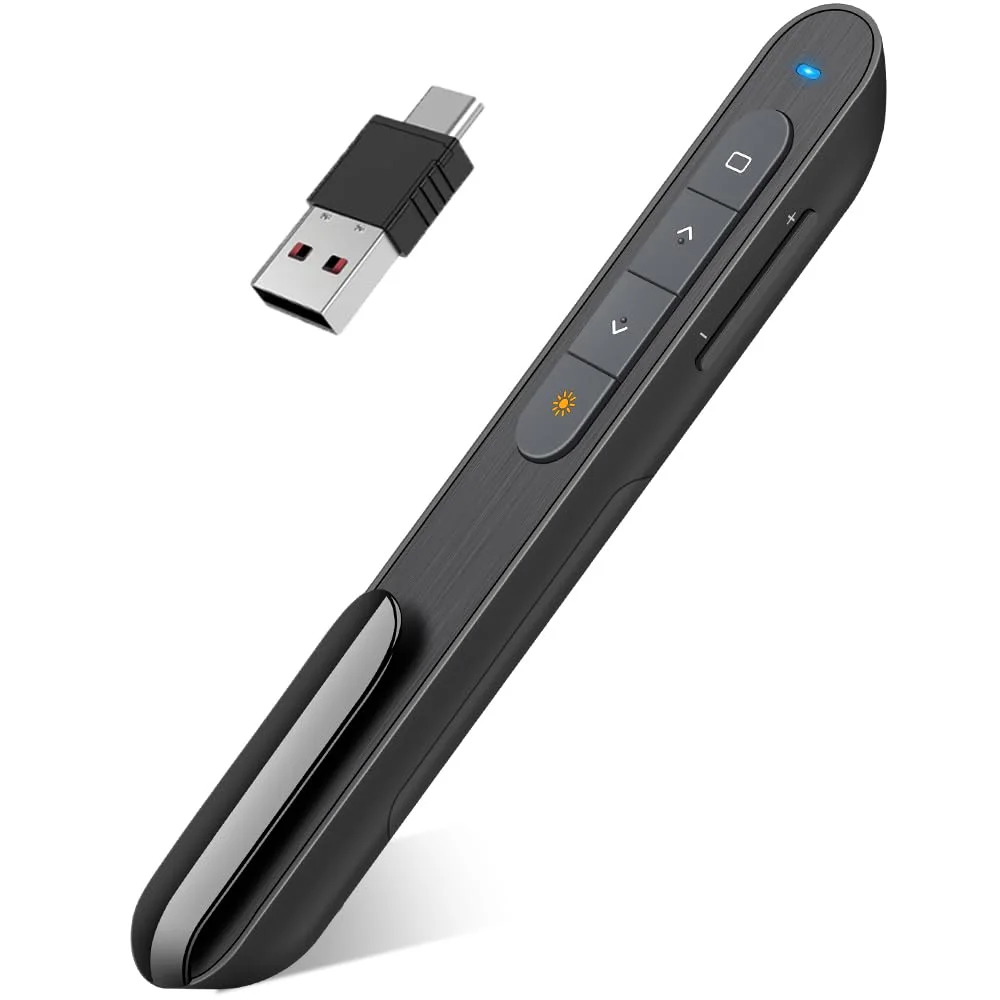
DINOSTRIKE D-Series Dual-Connector Clicker
Light and slim, one AAA cell, both plugs on one receiver
- 100 ft
- 1 × AAA
- USB-A + C
- Price
- $15.99

Compare every DINOSTRIKE remote
| Model | Radio range | Air mouse | Power | Receiver | From |
|---|---|---|---|---|---|
| Rechargeable Air Mouse Presenter | 164 ft | 82 ft | Built-in 300 mAh, charges in about 3 hours | USB-A and USB-C in one receiver | $25.99 |
| Air Mouse Presenter on AAA Batteries | 164 ft | Yes | 2 × AAA (not included) | USB-A and USB-C in one receiver | $25.99 |
| 2-in-1 USB-A and USB-C Clicker | 164 ft | No | 2 × AAA (not included) | USB-A and USB-C in one receiver | $15.99 |
| Physical and Digital Pointer Clicker | Not stated | No | 2 × AAA (not included) | USB-A and USB-C in one receiver | $39.99 |
| Classic Clicker with Red Light | 49 ft | No | Not stated | USB-A receiver | $9.99 |
| D-Series Dual-Connector Clicker | 100 ft | No | 1 × AAA (not included) | USB-A and USB-C connectors on one receiver | $15.99 |
Range
How far each DINOSTRIKE remote reaches
Measure your room from the screen to the back row, then pick a remote whose bar reaches past that number. The figures are the brand's, in feet.
- Rechargeable Air Mouse Presenter
- Air Mouse Presenter on AAA Batteries
- 2-in-1 USB-A and USB-C Clicker
- Physical and Digital Pointer Clicker
Radio range not stated
- Classic Clicker with Red Light
- D-Series Dual-Connector Clicker
The pointer light of the rechargeable air mouse carries up to 656 ft on a projector screen, beyond this scale.
Which pointer for which screen
| Your screen | What shows | Which remote |
|---|---|---|
| Projector screen | A red or green light shows on the screen. | Any of our remotes with a light |
| TV, LED or LCD panel | A light does not show on a lit panel. You need a pointer drawn by the computer. | The digital pointer clicker, or an air mouse moving the real cursor |
| Laptop screen at a small table | Point with the cursor and keep the room's eyes on the slide. | An air mouse remote |
Start with the room. A classroom or a meeting room is covered by 49 ft of radio. A lecture hall or a stage wants 100 to 164 ft, and once you walk away from the laptop an air mouse lets you click a video or a link without walking back.
Then look at the screen. A red light shows on a projector screen and disappears on a TV or LCD panel, where you need the digital pointer or the cursor itself. Finally, pick the power: a built-in battery you charge, or AAA cells you can buy at any store.
The 6 models here, on the Air mouse presenters and Presentation clickers shelves, are part of the DINOSTRIKE lineup, and each page lists what is in its box.
Questions about DINOSTRIKE presentation remotes
How far does a DINOSTRIKE remote reach?
The radio range is 49 ft on the classic clicker, 100 ft on the D-Series and 164 ft on the others. The air mouse follows your hand up to 82 ft on the rechargeable remote.
Do you need software for a DINOSTRIKE clicker?
No, the keys work as soon as the receiver is plugged in. Only the digital pointer, spotlight and magnifier of the digital-pointer clicker need its companion software, which comes on a USB flash drive.
Is the DINOSTRIKE pointer light safe to use in a classroom?
Treat it as the FDA advises for any laser pointer: never aim it at a person, a pet or a vehicle, never look into the beam, and keep it away from children. The help desk links the FDA's advice.
- Choosing a selection results in a full page refresh.
 DINOSTRIKE


