

4PK
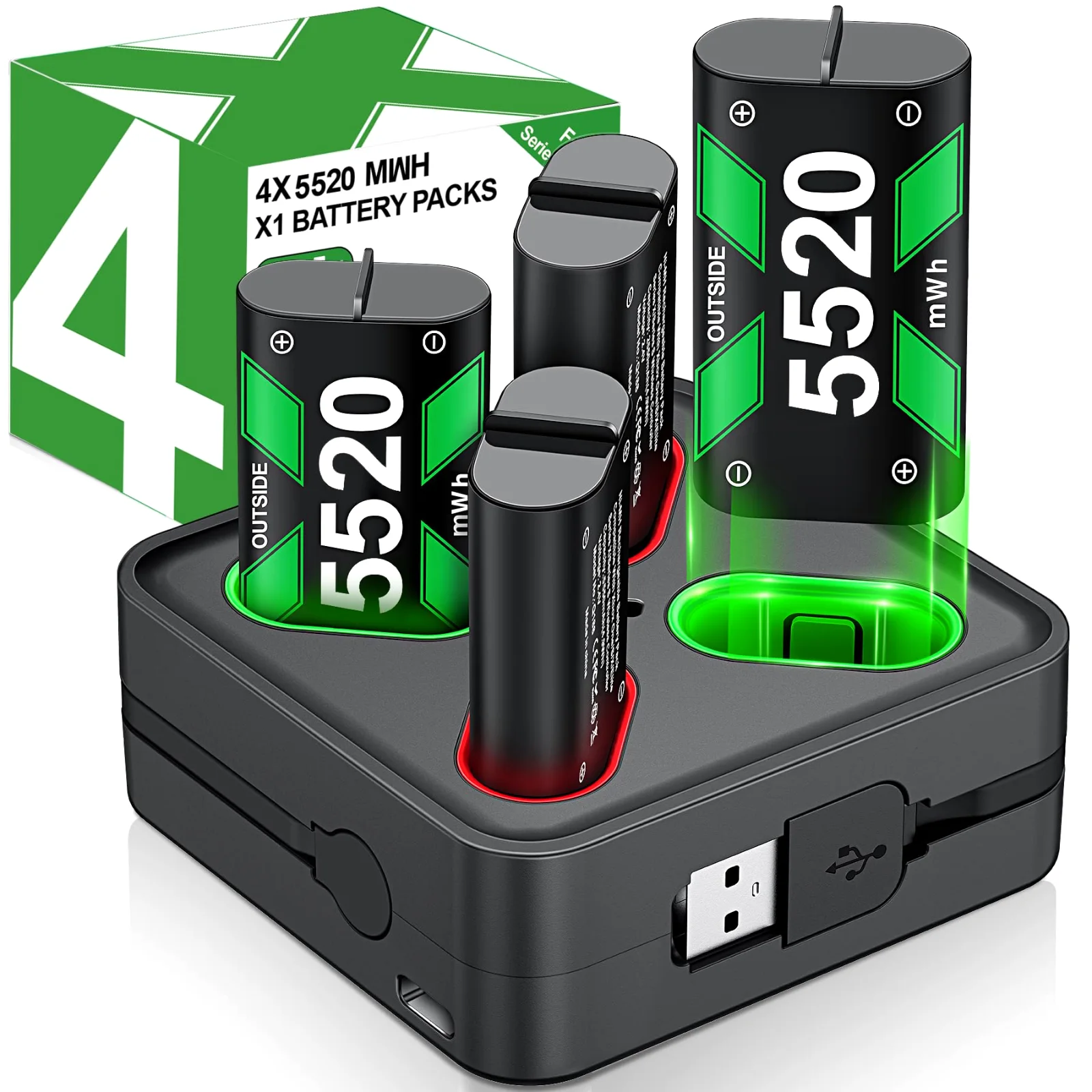
DINOSTRIKE 4-pack Xbox battery chargers
Two controllers, two packs in them, two on the dock: that is the four-pack routine. Our six four-pack docks differ in pack size, from 4080 to 6200 mWh, and in how they go dark for the night.
Xbox controller power and presentation remotes
Two decks, one click to buy: docks and packs for Xbox controllers in Play, clickers and air mouse remotes for slides in Present.
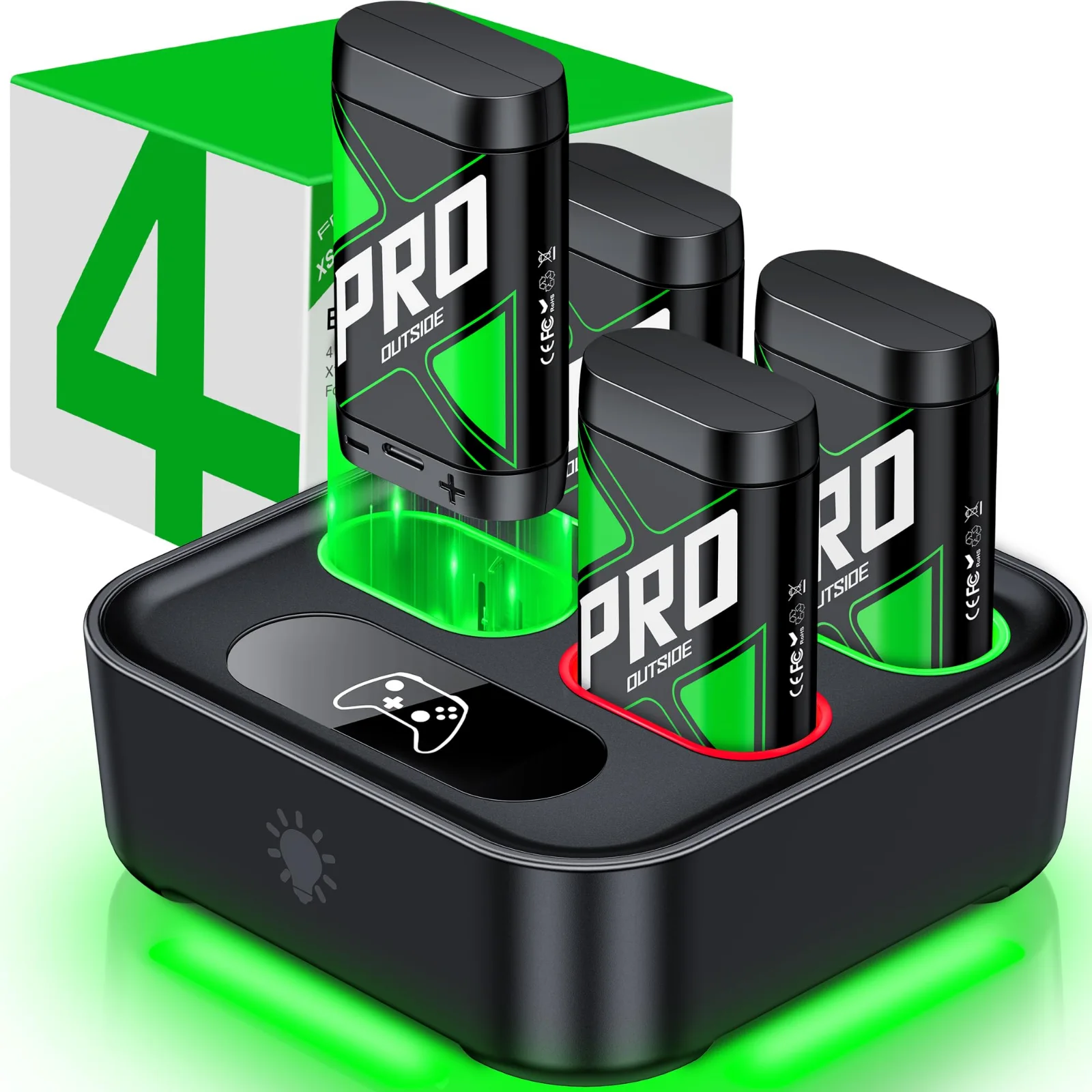
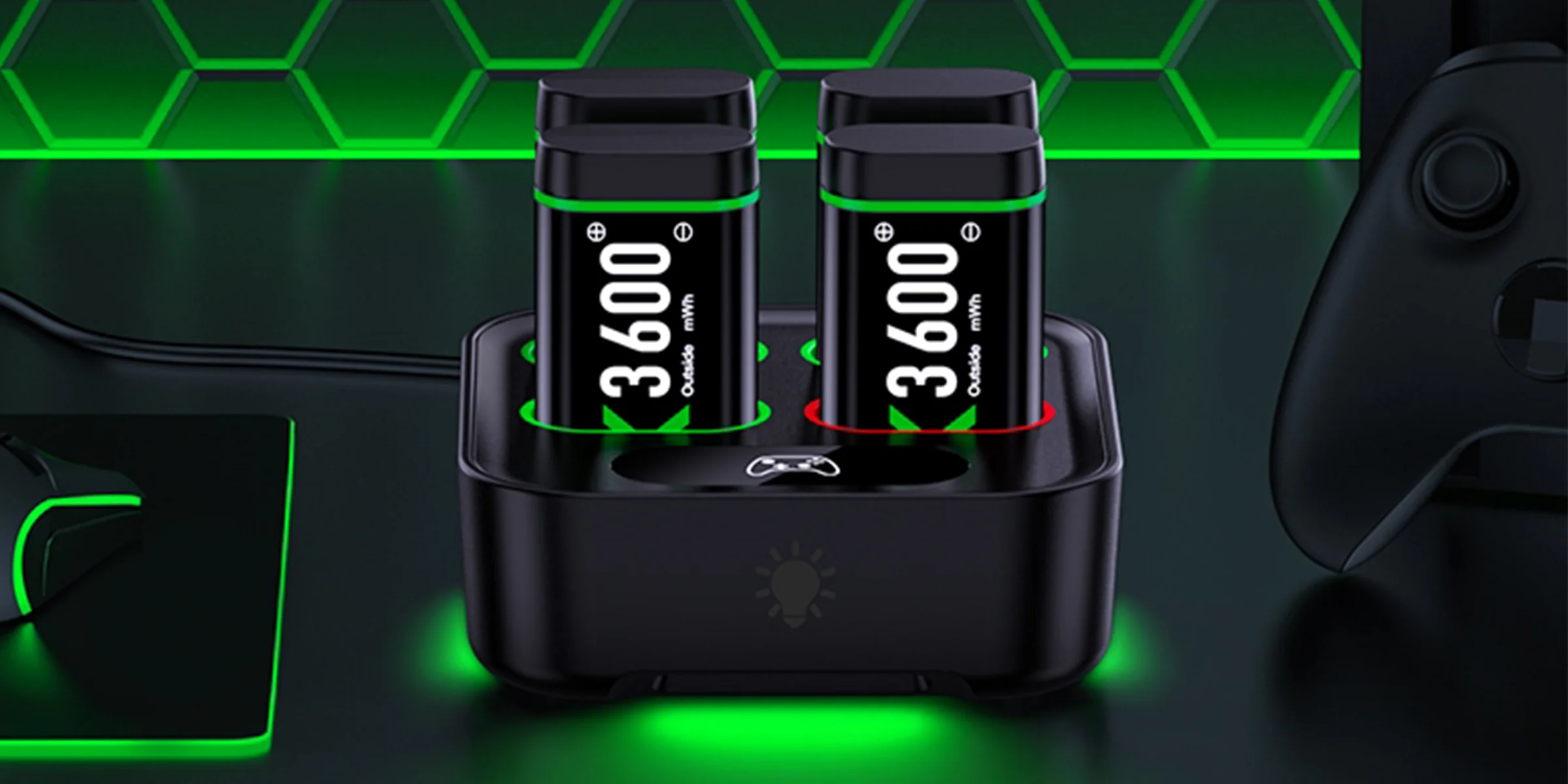
Our best-known dock: four packs, one slot light each


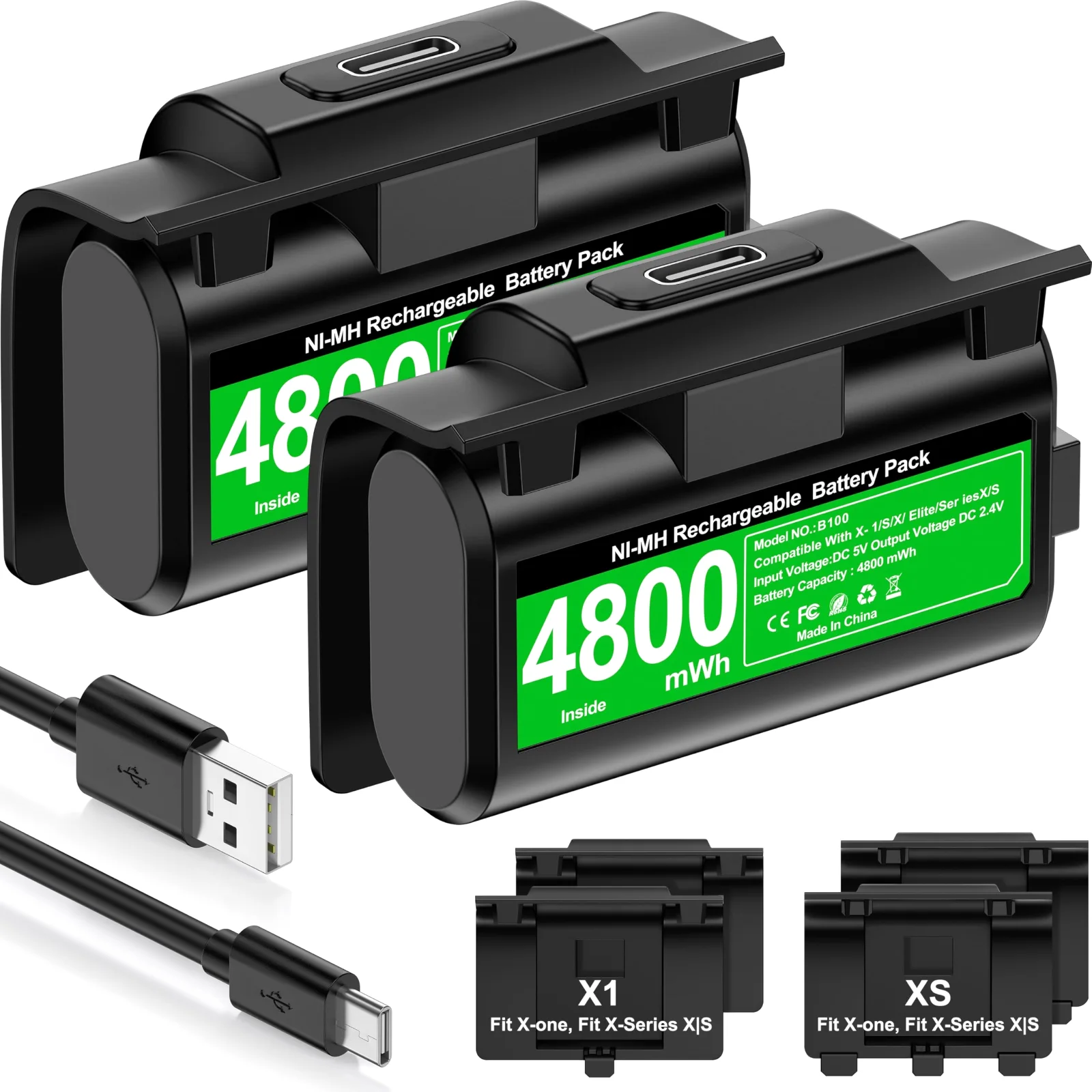
Charge the pack inside the controller while you keep playing
Our largest packs, with light modes on one touch button
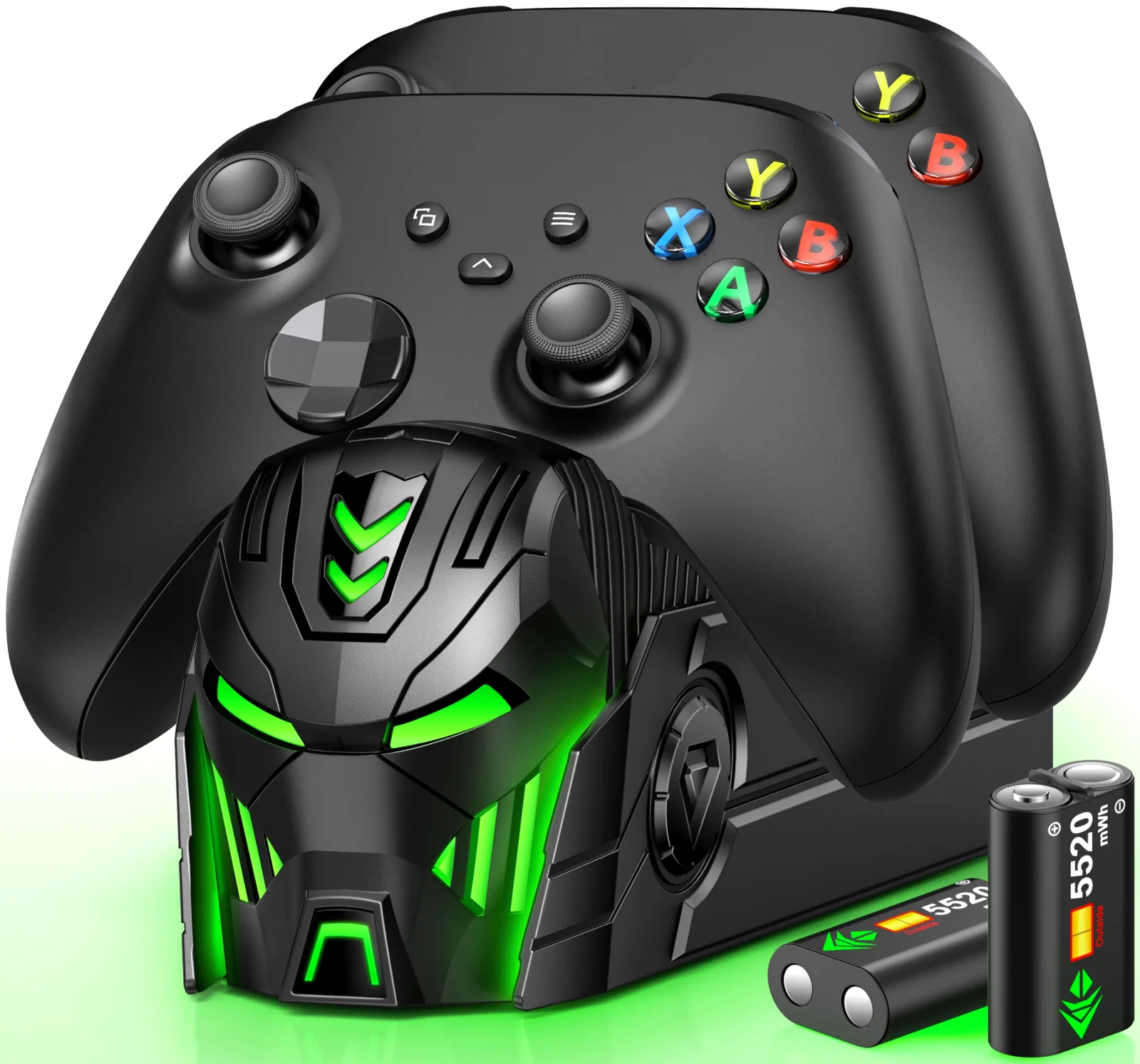
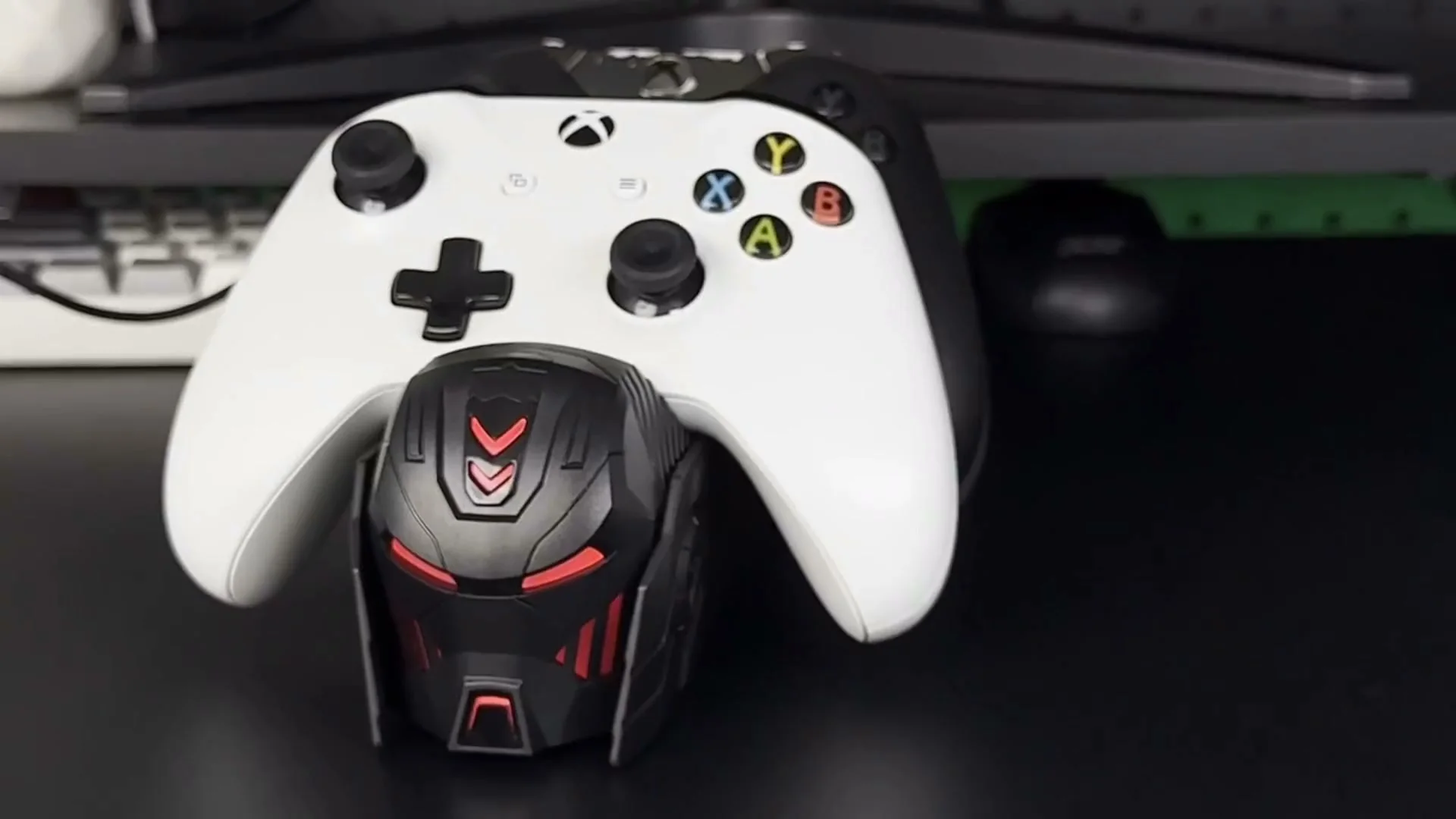
Two controllers stand in it, spare packs hide in the base
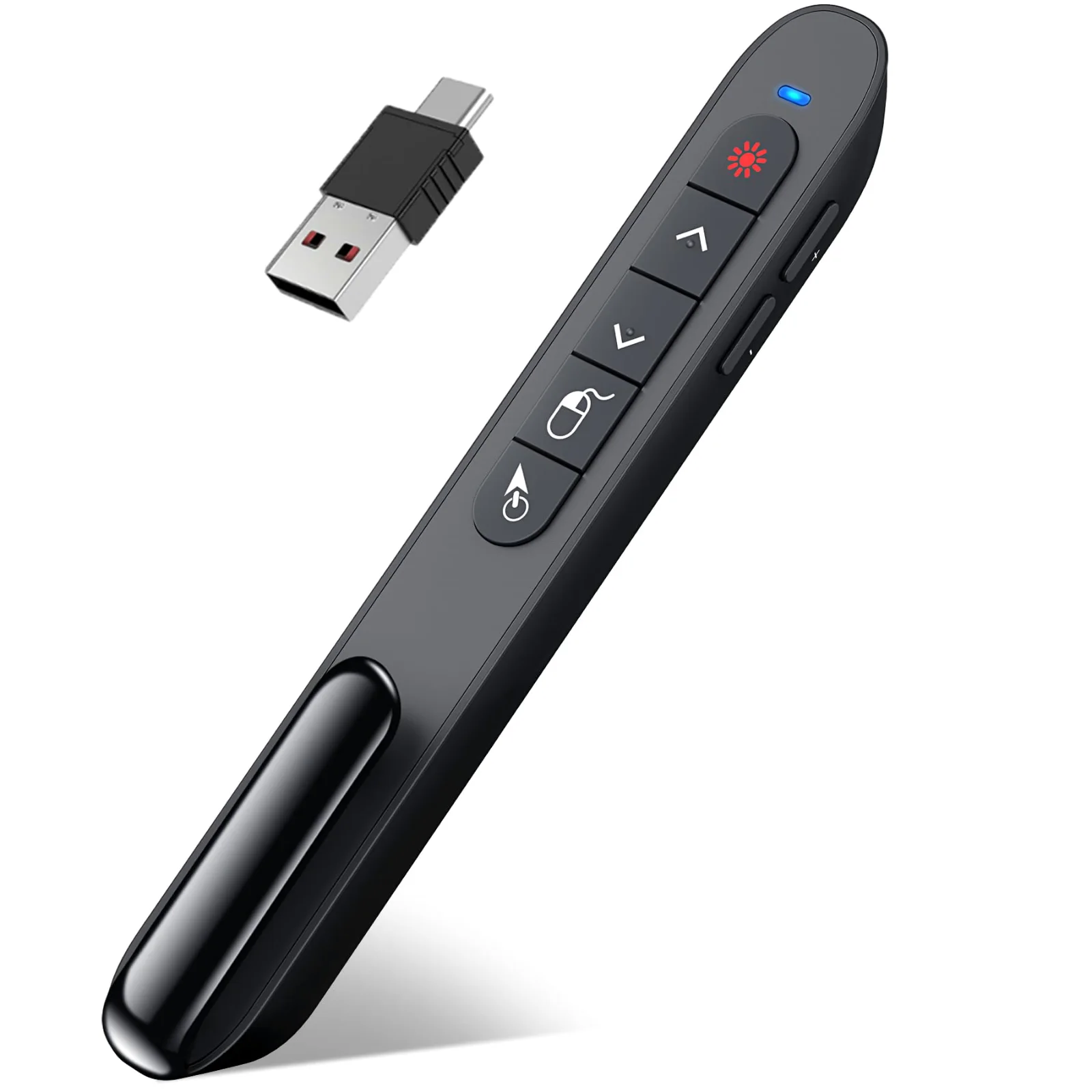
Tilt to move the cursor; recharge once and present for weeks
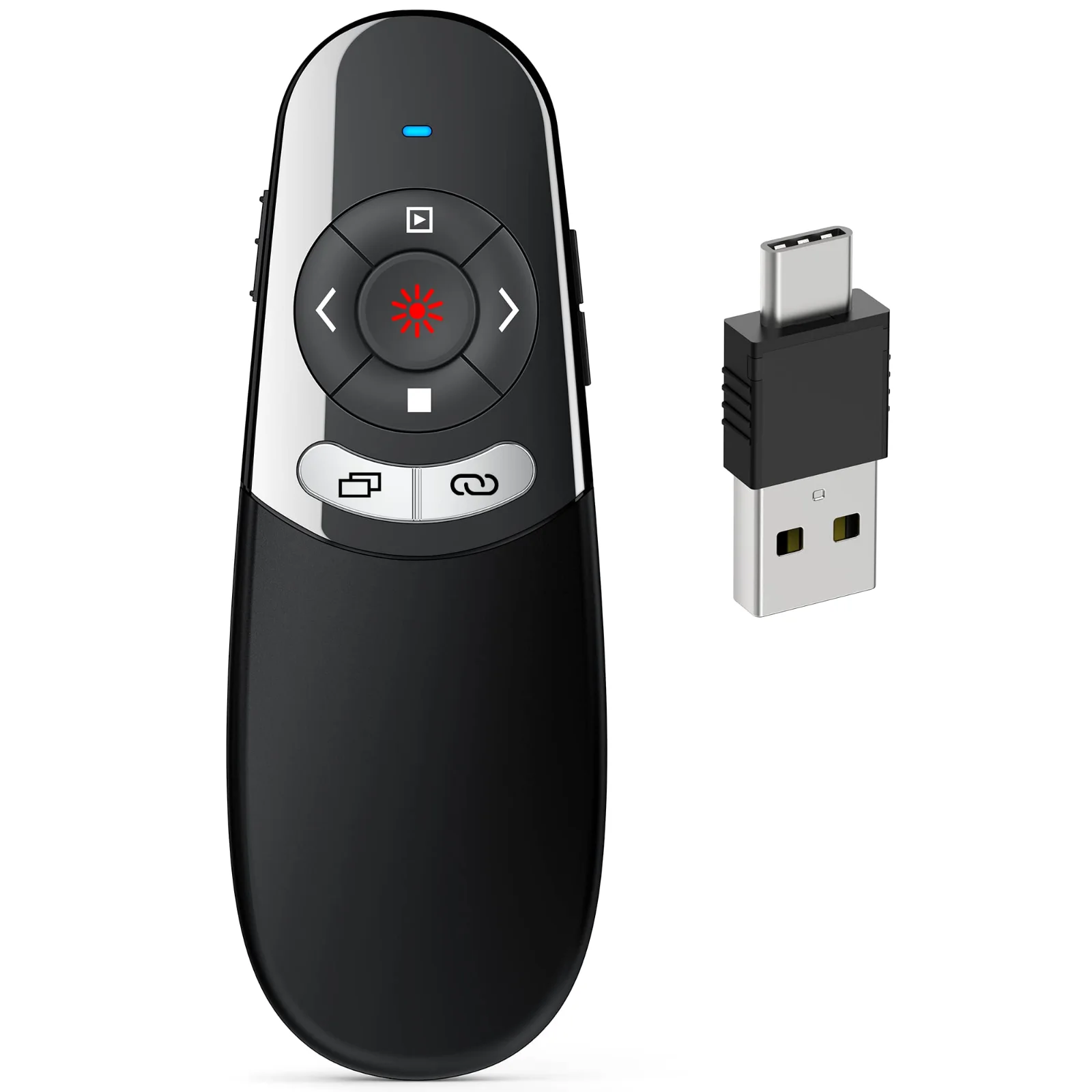
One receiver with both plugs, for a Mac one day and a PC the next
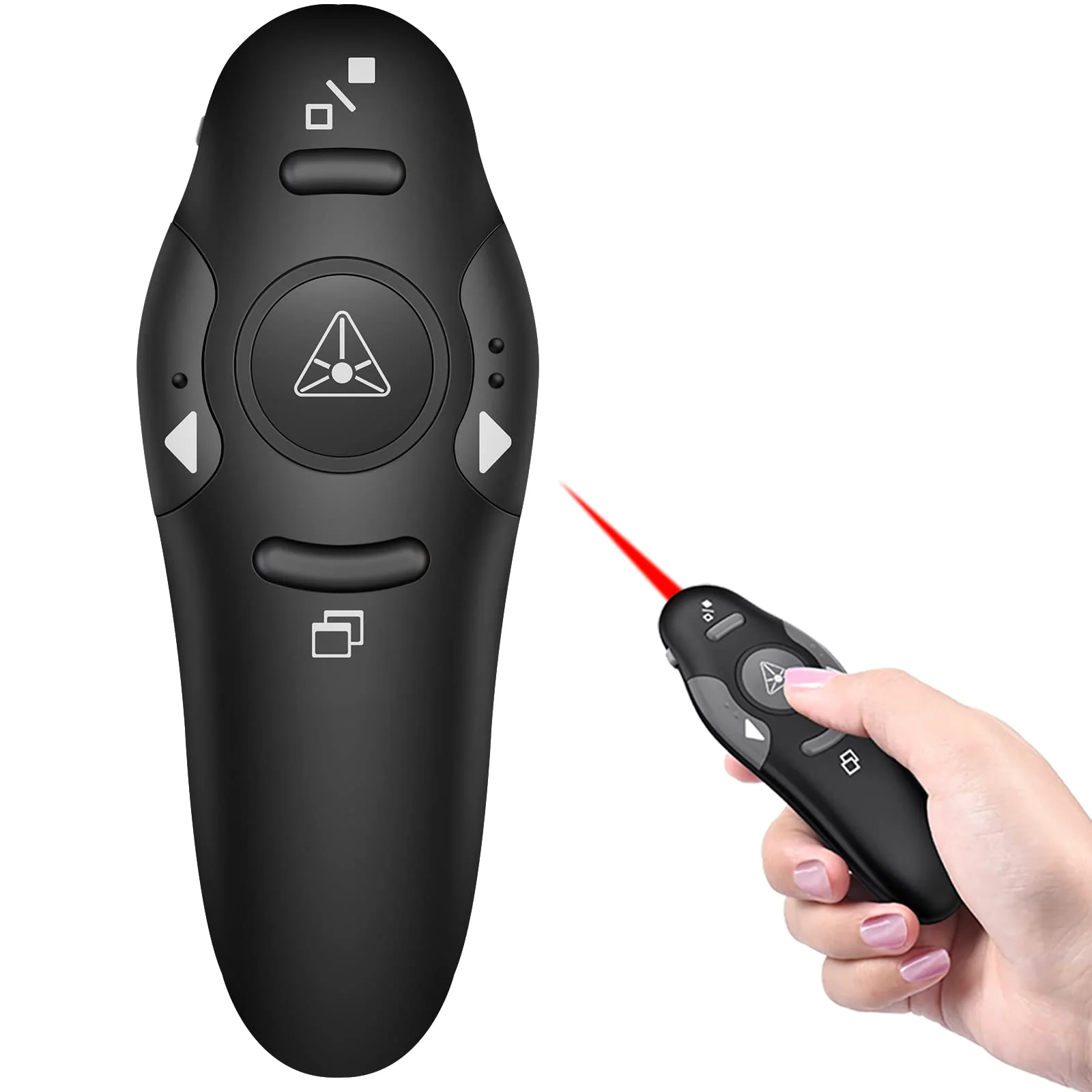
Separate keys you can tell apart by feel
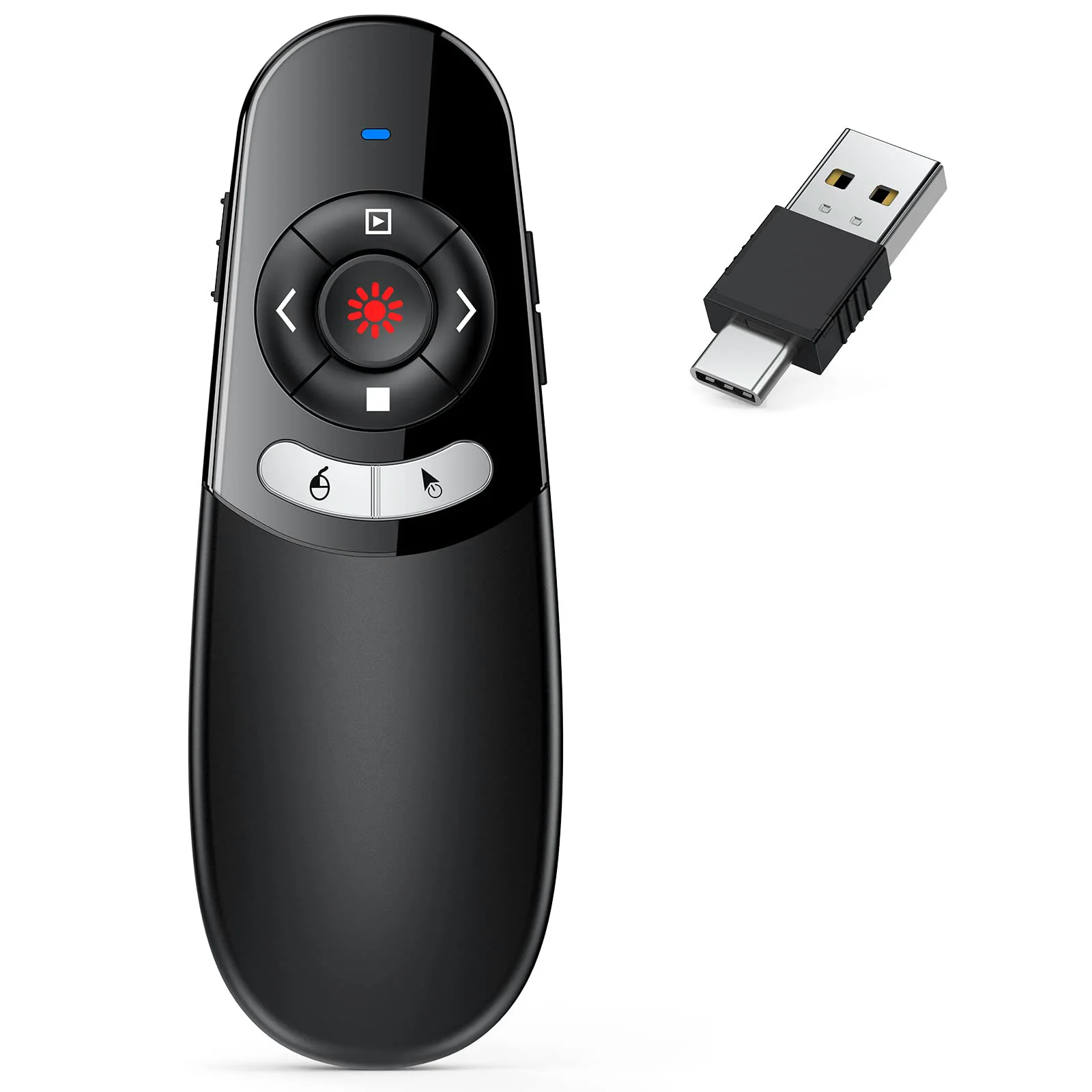
Air mouse that runs on two AAA cells you can swap anywhere
Fit check
Tap your controller. Packs fit the Xbox One and Series X|S family; a few pads take no pack at all, and you should know that before you order.
Xbox Series X|S Wireless Controller
Every DINOSTRIKE pack fits
Use the Series X|S covers that come with kits and the A100. All 10 docks and kits in the Play deck fit this pad.
Xbox One Wireless Controller
Every DINOSTRIKE pack fits
Use the Xbox One covers that come with kits and the A100. All 10 docks and kits in the Play deck fit this pad.
Xbox One S controller (model 1708)
Every DINOSTRIKE pack fits
Use the Xbox One covers that come with kits and the A100. All 10 docks and kits in the Play deck fit this pad.
Xbox One X controller
Every DINOSTRIKE pack fits
Use the Xbox One covers that come with kits and the A100. All 10 docks and kits in the Play deck fit this pad.
Xbox Elite Wireless Controller (Series 1)
Every DINOSTRIKE pack fits
The first Elite controller takes the same pack as the Xbox One pad. All 10 docks and kits in the Play deck fit this pad.
Xbox Elite Wireless Controller Series 2
No pack fits
It has a built-in rechargeable battery and no AA compartment, so no pack fits it.
Xbox 360 controller
No pack fits
Its battery bay has a different shape; Xbox One and Series packs do not fit it.
Third-party Xbox-style controllers
No pack fits
The packs are shaped for Microsoft controllers and are not made for third-party pads.
Capacity
Each bar is one pack size in our lineup, drawn to scale by capacity, with the play time the brand rates it for. Bigger packs charge longer, too.
Quad Charger with Light Switch, 4 × 4800 mWh: up to 20 hours, PRO Charging Station, 4 × 4800 mWh PRO: about 15 hours, Play and Charge Kit, 2 × 4800 mWh: 8 to 12 hours per pack
A100 Charging Station, 5520 mWh: 18 to 25 hours, Quad Charger with Built-In Cable, 4 × 2550 mAh: 20 to 25 hours, A100 Spare Battery Set, 2 × 5520 mWh
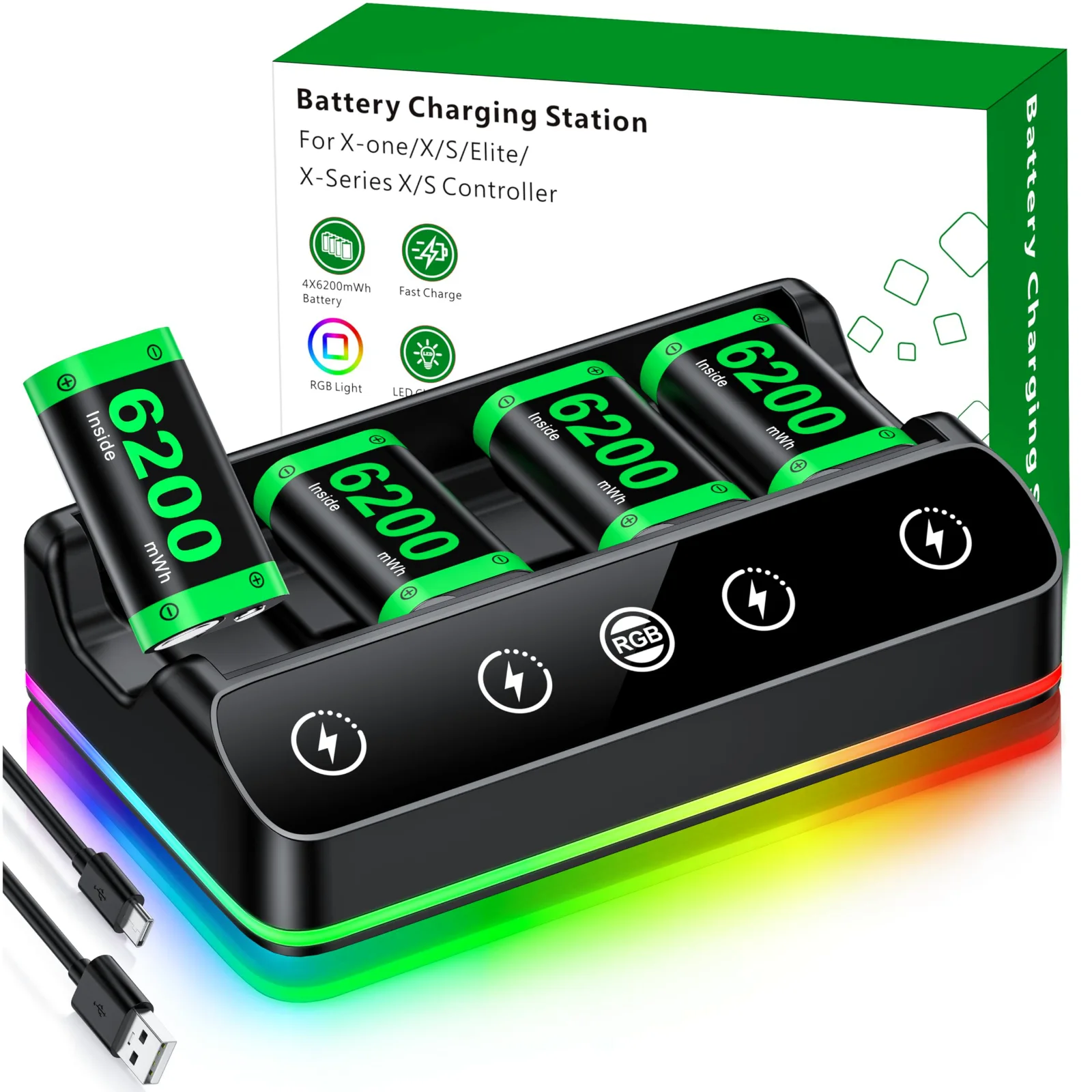
RGB Charging Station, 6200 mWh: 15 to 20 hours, Compact Dual Charger, 2 × 6200 mWh: about 30 hours across both packs
mWh measures the energy a pack stores. The quad charger with the built-in cable sells its packs as 2550 mAh; its own box art gives the same pack as 5520 mWh, and that is the row it sits in.
Play deck
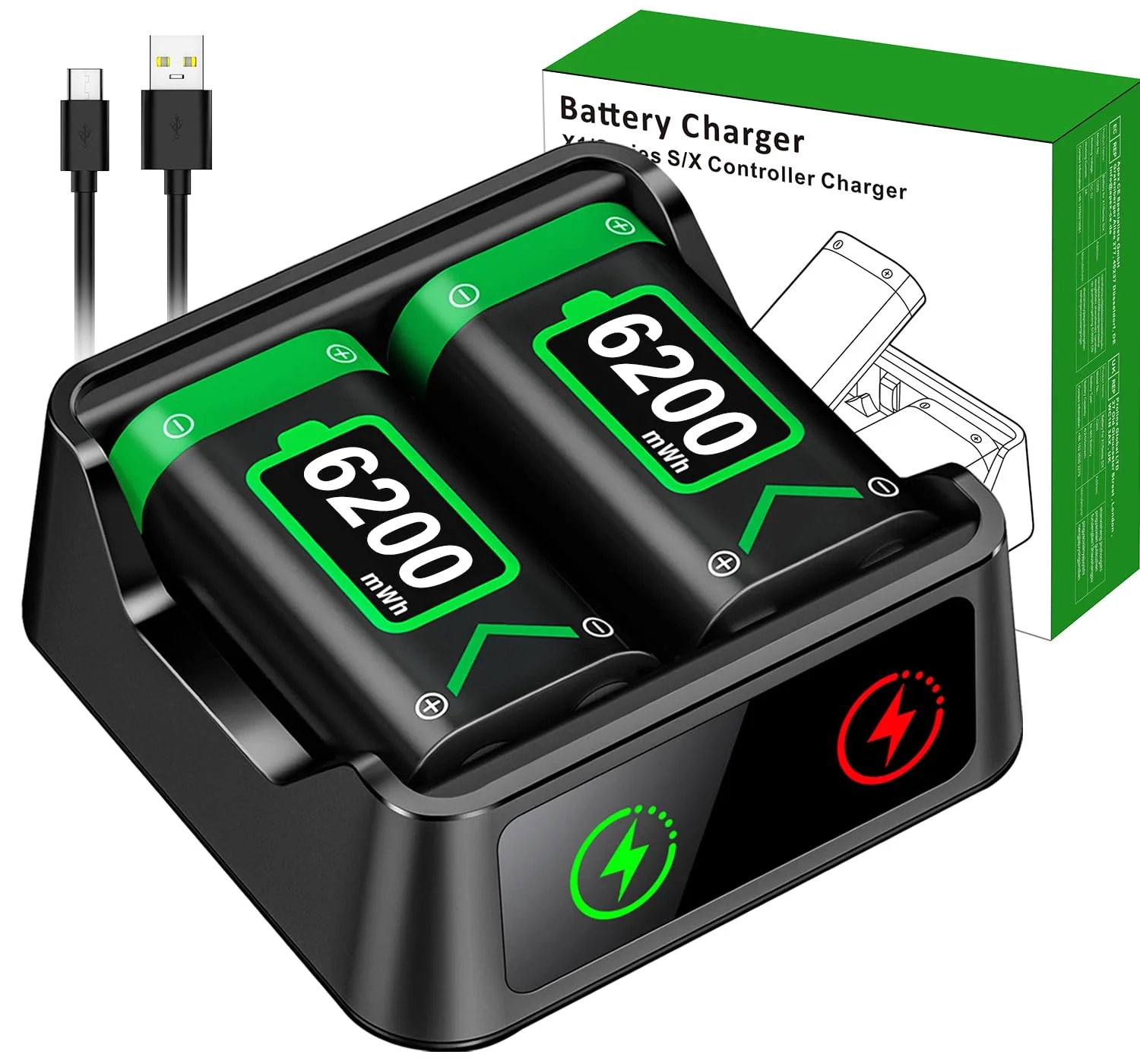
Palm-sized two-slot charger that fits a pocket
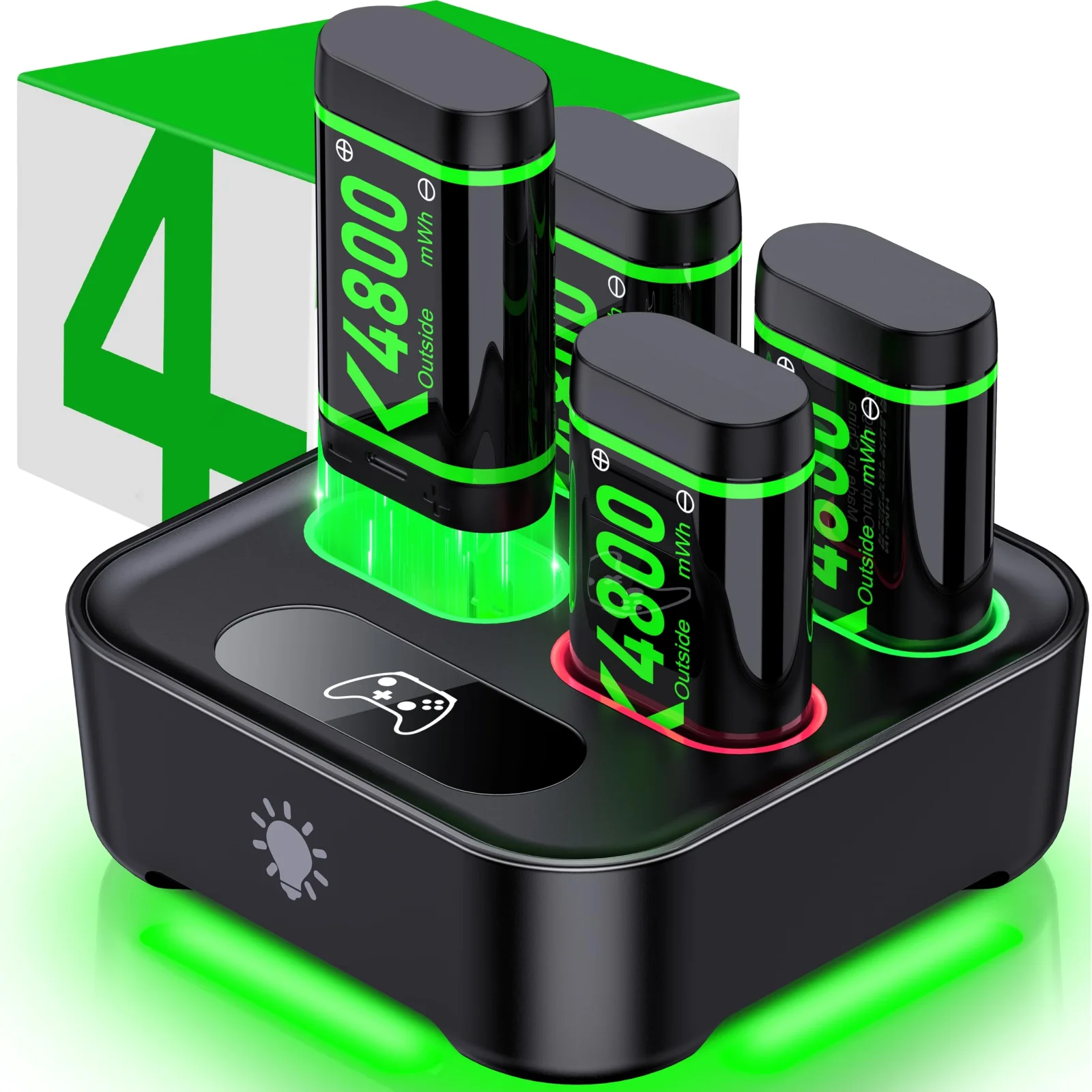
A touch switch on the front darkens it for the night
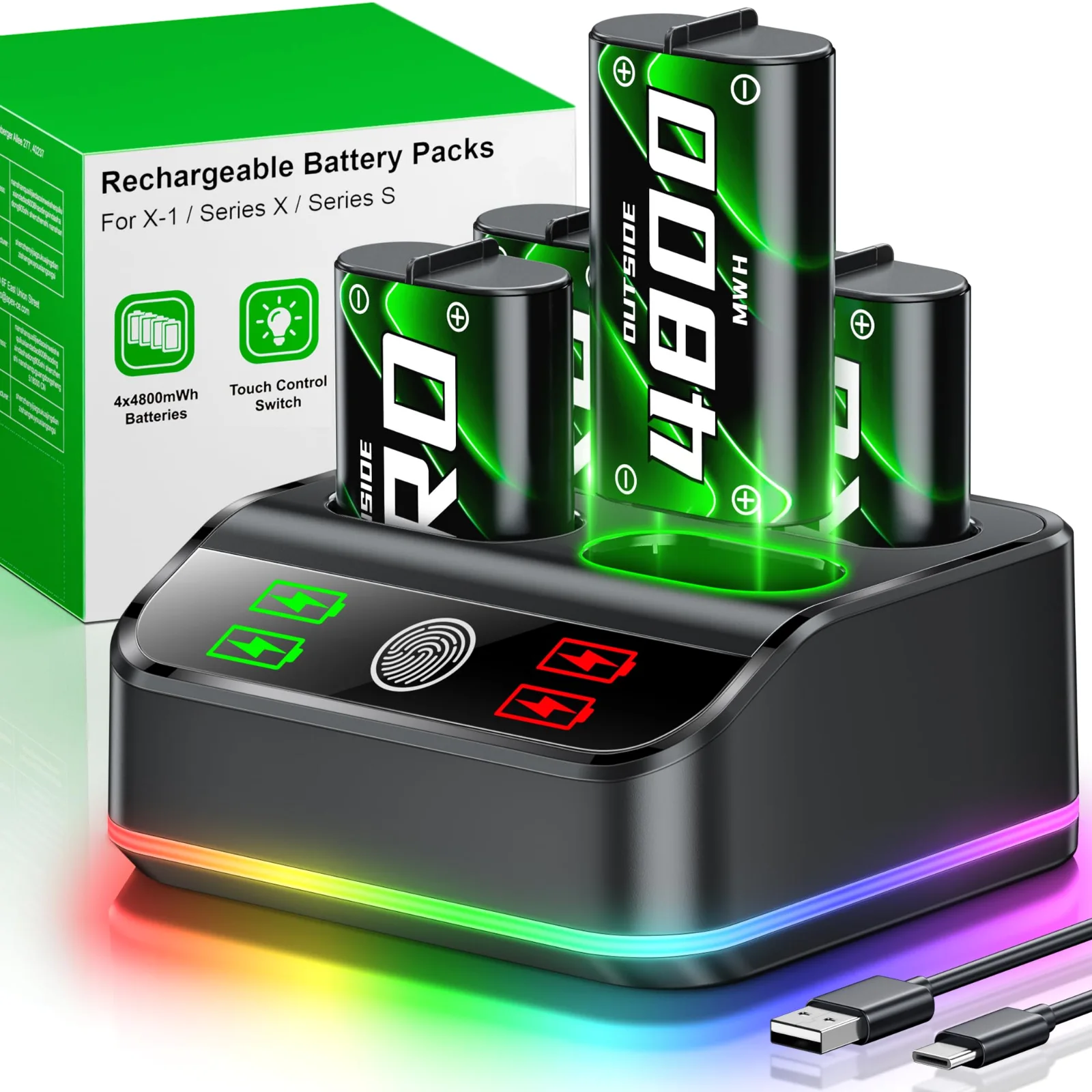
PRO packs rated for 3,000+ recharges, with colour light modes
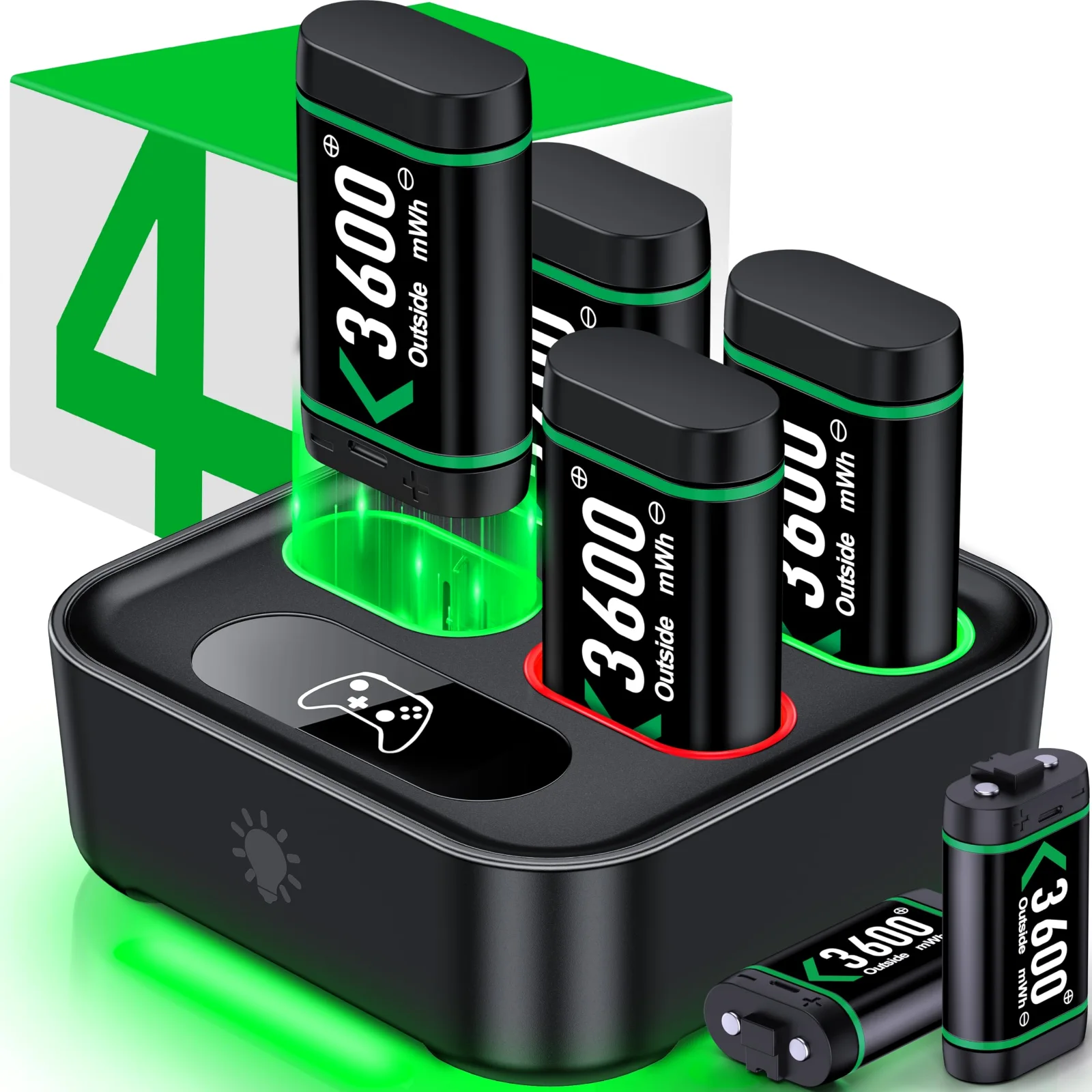
Six packs for a house with several controllers
Built-in USB cable or a USB-C port, your choice of power
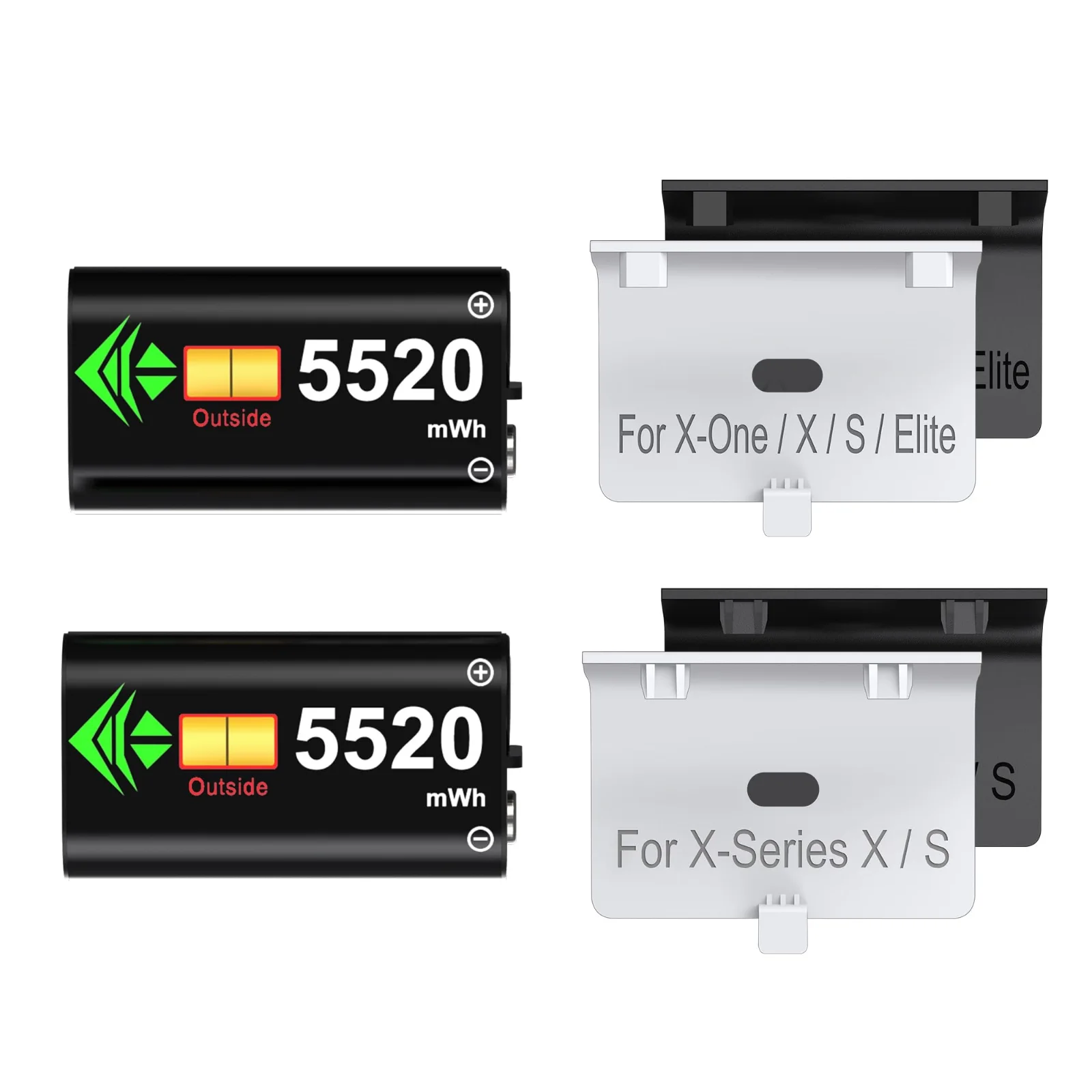
Two more packs and covers for the A100 station
On the shelf
Packs going into a controller, a dock filling up, the lights changing from red to green: cut from our own product videos.
Range
Distances are the brand's figures in feet. Radio is how far the keys work from the receiver; air mouse is how far the cursor follows your hand.
The pointer light of the rechargeable air mouse carries up to 656 ft on a projector screen, beyond this scale.
Screens
| Your screen | What shows | Which remote |
|---|---|---|
| Projector screen | A red or green light shows on the screen. | Any of our remotes with a light |
| TV, LED or LCD panel | A light does not show on a lit panel. You need a pointer drawn by the computer. | The digital pointer clicker, or an air mouse moving the real cursor |
| Laptop screen at a small table | Point with the cursor and keep the room's eyes on the slide. | An air mouse remote |
Present deck
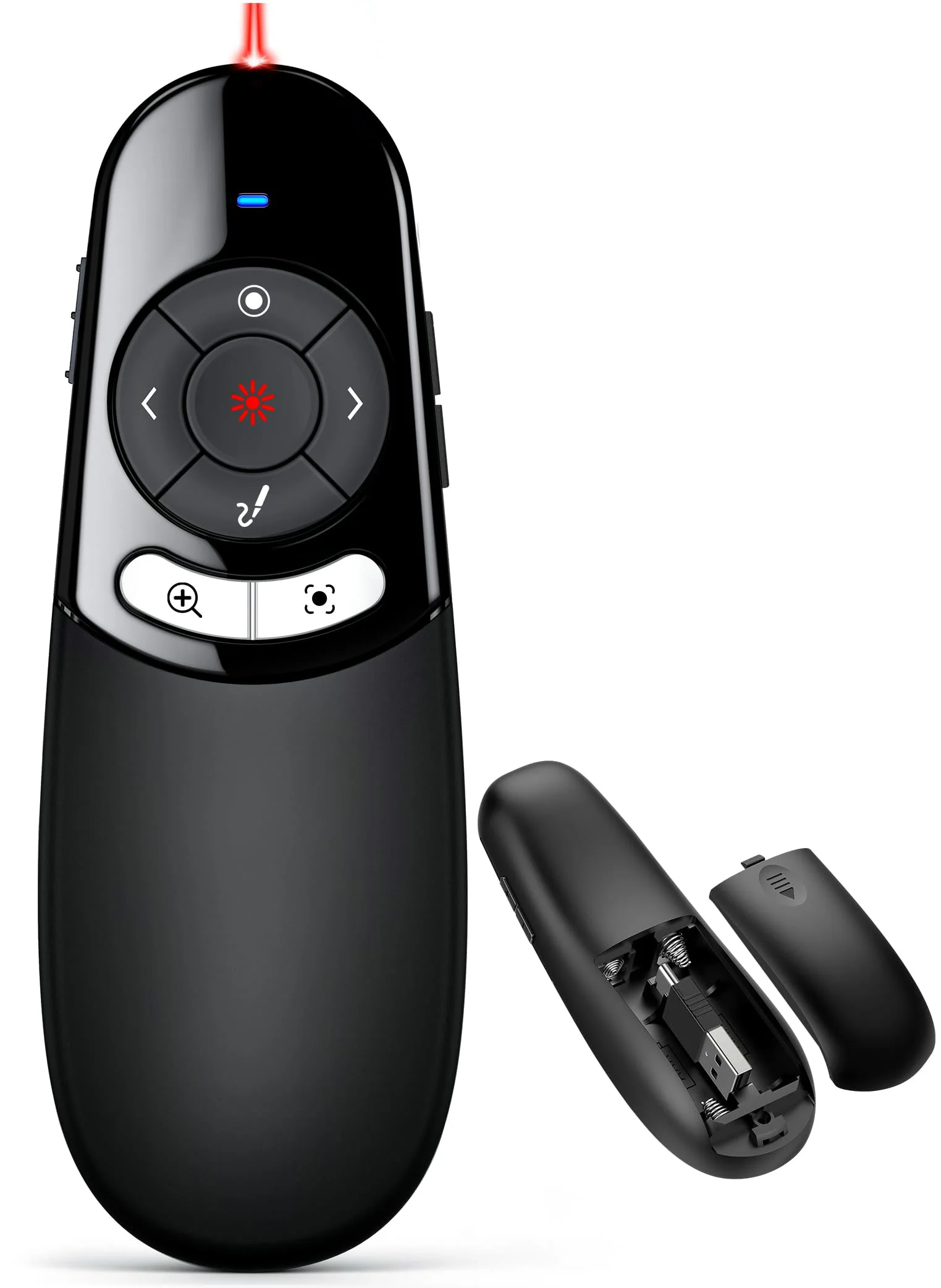
A red light for projectors and an on-screen pointer for TVs
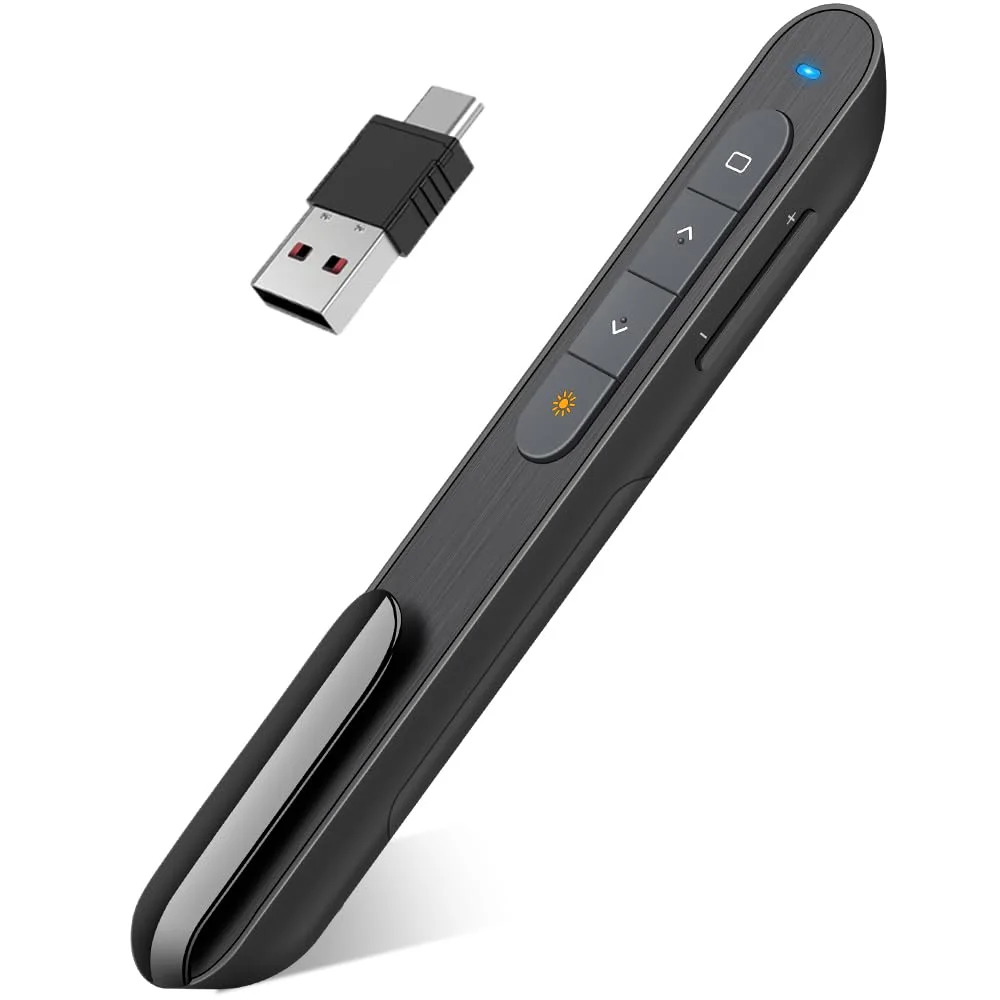
Light and slim, one AAA cell, both plugs on one receiver
Before you order
One pack in each controller and one on the dock per pad is the routine that never runs dry. Two pads mean a four-slot dock.
Xbox One, One S, One X, Elite Series 1 and Series X|S pads take our packs. Elite Series 2 has a sealed battery and takes none.
In a bedroom, pick a dock whose lights switch off. On a gaming desk, the RGB base earns its place.
A classroom needs 49 ft of radio. A hall wants 100 ft or more, and an air mouse helps once you leave the lectern.
Projector: any red or green light works. TV or LCD panel: take the digital pointer or move the cursor with an air mouse.
Rechargeable remotes charge in about three hours. AAA remotes swap cells in a minute when there is no outlet.
Shop by need
4PK
Two controllers, two packs in them, two on the dock: that is the four-pack routine. Our six four-pack docks differ in pack size, from 4080 to 6200 mWh, and in how they go dark for the night.
62K
A 6200 mWh pack is the largest in our lineup: rated for 15 to 20 hours of play. You can have it on a glowing RGB stand or in a charger small enough for a pocket.
USC
If your laptop has USB-C and the meeting room PC has USB-A, pick a receiver with both plugs. Five of our remotes carry one, from a one-AAA slim clicker to the rechargeable air mouse.
Help desk
About
Every product card here has a buy button that opens the same item at our retail partner, where you pay and choose delivery. Prices on this site are from our last catalog update, and the checkout shows the current one.
It fits the Xbox One, One S, One X, Elite Series 1 and Series X|S controllers, which take a pack in place of AA cells. The Elite Series 2 has a built-in battery and takes none, and third-party pads are not made for our packs. The fit check lists every pad.
By the brand's ratings, from 8 to 12 hours for a 4800 mWh kit pack up to 18 to 25 hours for a 5520 mWh A100 pack. Each product page states its own figure, and the capacity chart on the home page sets them side by side.
Yes. Every remote in the DINOSTRIKE range but the classic clicker lists macOS among its supported systems, and the classic clicker says a Mac may need a short set-up first. A Mac may also ask you to identify a new keyboard-type device the first time you plug a receiver in. The help desk walks through it.
No. A light does not show on a lit TV, LED or LCD panel. Use the digital-pointer clicker there, or an air mouse remote that moves the real cursor.
Since 2021: 5 years of controller power and presentation remotes.
Guides
Longer answers from the people at DINOSTRIKE to the three questions we get most.
Pick a deck, compare in one table, buy at our retail partner. Payment, delivery and returns happen at checkout there.
 DINOSTRIKE


