

Guide
Red light, green light or digital pointer: choosing a presentation remote
The screen in the room decides which pointer you need, long before the number of keys does. A light dot shows on a projector screen and gets lost on a bright TV, while a digital pointer and an air mouse work on the slide itself.
Start with the screen
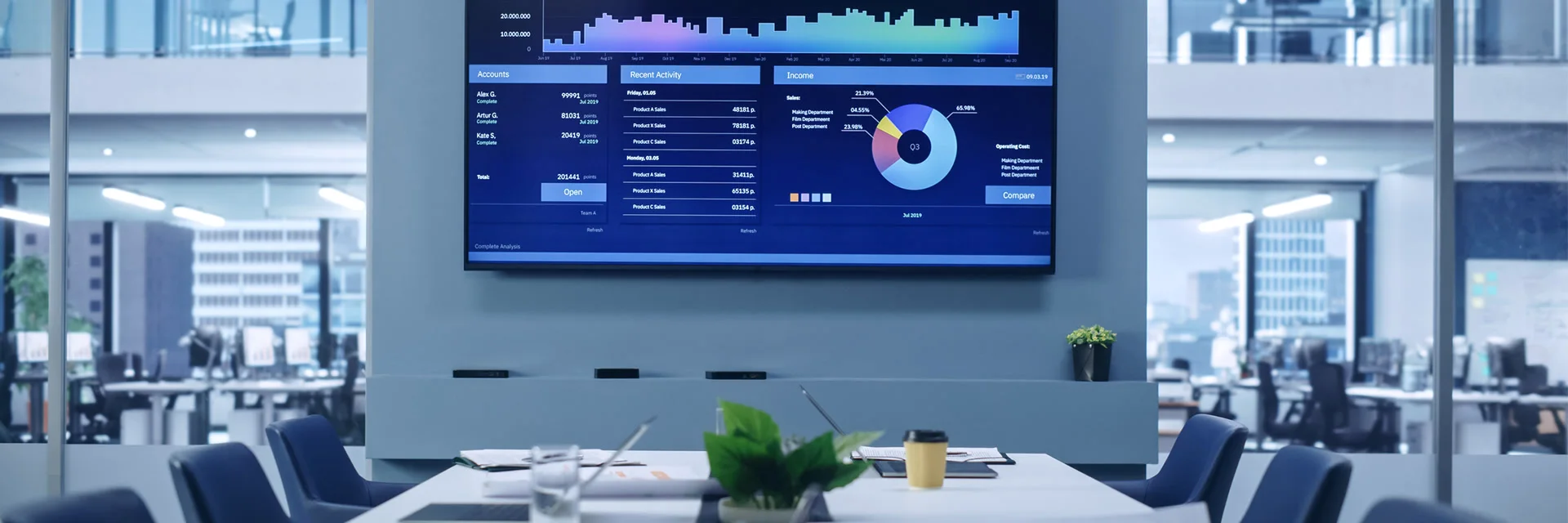
Picture the room before you pick the remote. A projector throws the slide onto a pale screen or a wall, and a pointer light shows on that surface as a bright dot your audience can follow. Put a TV, an LED wall or an LCD monitor in its place and things change. The panel gives off its own light, and a small dot gets lost on it.
That is why four of our remotes say plainly that their red light is not meant for LED, LCD or TV screens. Plenty of meeting rooms have a large TV on the wall instead of a projector. If yours is one of them, a pointer light will do little for you, and the choice moves to the two tools that draw on the slide itself.
Three ways to point
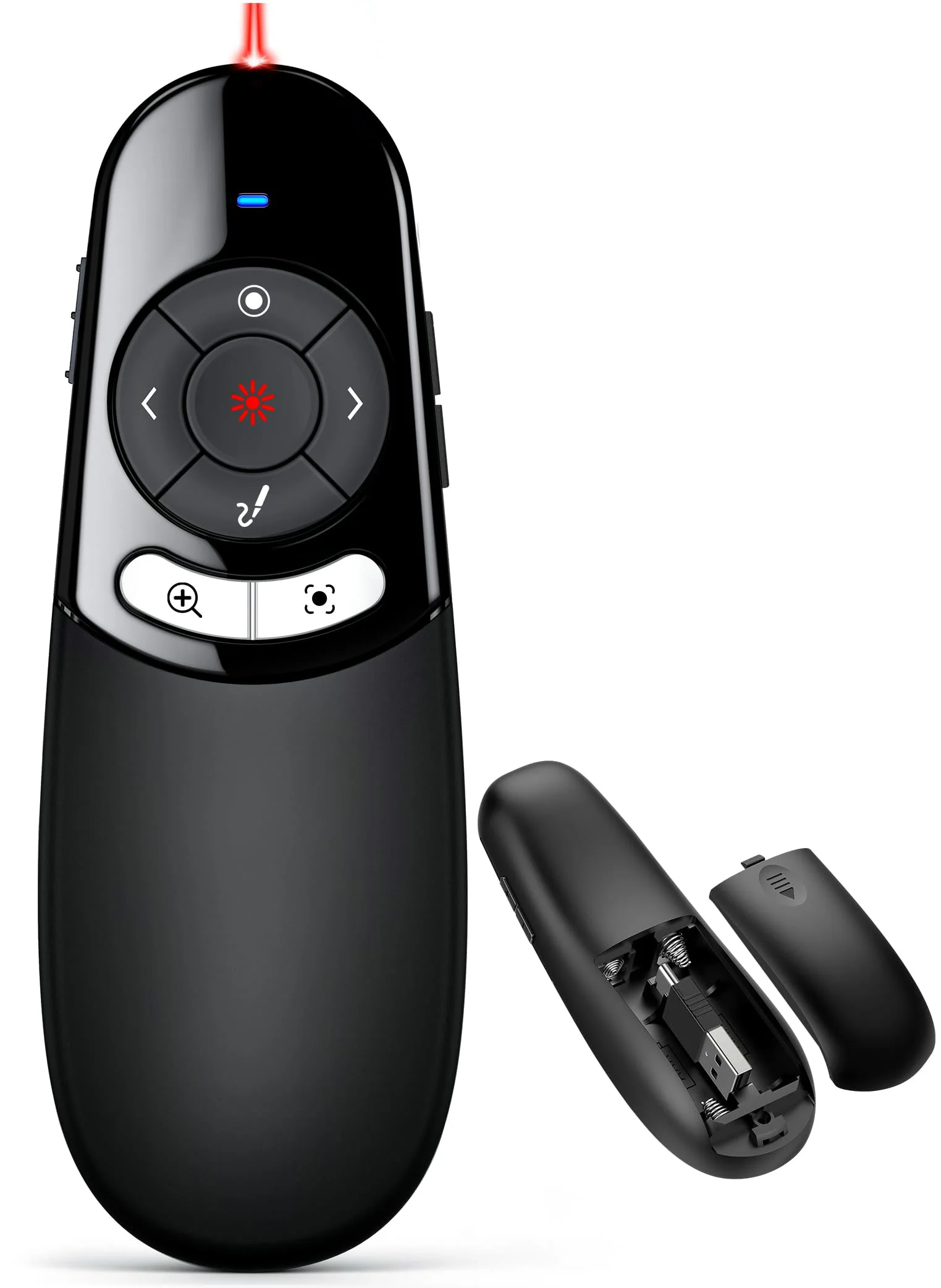
- A light. Every remote we make has a red one, and the rechargeable air mouse also comes as a black remote with a green light. It works where the slide is projected, and on the rechargeable air mouse it is rated to reach 656 ft.
- A digital pointer. The Physical and Digital Pointer Clicker draws a pointer, a spotlight and a magnifier on the slide, plus a highlight and an on-screen marker with an eraser. These tools run from companion software that comes on a silver USB flash drive, and they work only while that software is running.
- An air mouse. Tilt the remote and the real cursor moves across the screen, so you can point at any line of the slide from across the room. On the rechargeable air mouse, the last key turns the air mouse on and off.
The digital pointer shows on LED, LCD and TV screens, where a red light does not. That clicker keeps a red light too, for the days you present on a projector. Its companion software needs Windows 8 or later or macOS 10.10 or later. Install it on the laptop you present from, and open it before your first slide rather than during it.
How far each remote reaches
Two ranges matter, and they measure different things. Radio range is how far from the laptop you can stand and still have the keys reach its receiver. Air mouse range is how far away the cursor still follows your hand. Walking the aisle of a hall asks more of both than standing beside a lectern.
| Remote | Radio range | Air mouse range | Power | Receiver plugs |
|---|---|---|---|---|
| Rechargeable Air Mouse Presenter | 164 ft | 82 ft | Built-in 300 mAh, charges in about 3 hours | USB-A and USB-C in one receiver |
| Air Mouse Presenter on AAA Batteries | 164 ft | Not stated | 2 × AAA, not included | USB-A and USB-C in one receiver |
| 2-in-1 USB-A and USB-C Clicker | 164 ft | No air mouse | 2 × AAA, not included | USB-A and USB-C in one receiver |
| Physical and Digital Pointer Clicker | Not stated | No air mouse | 2 × AAA, not included | USB-A and USB-C in one receiver |
| D-Series Dual-Connector Clicker | 100 ft | No air mouse | 1 × AAA, not included | USB-A and USB-C connectors on one receiver |
| Classic Clicker with Red Light | 49 ft | No air mouse | Not stated | USB-A receiver |
Plugs deserve as much thought as range. If you present from a laptop with only USB-C ports one week and from a desktop with USB-A the next, a receiver with both ends saves you an adapter. Five of our six remotes carry both. Only the classic clicker keeps to USB-A, and its receiver sits under the battery cover. The USB-C presentation clicker page gathers the ones with both plugs in one place.
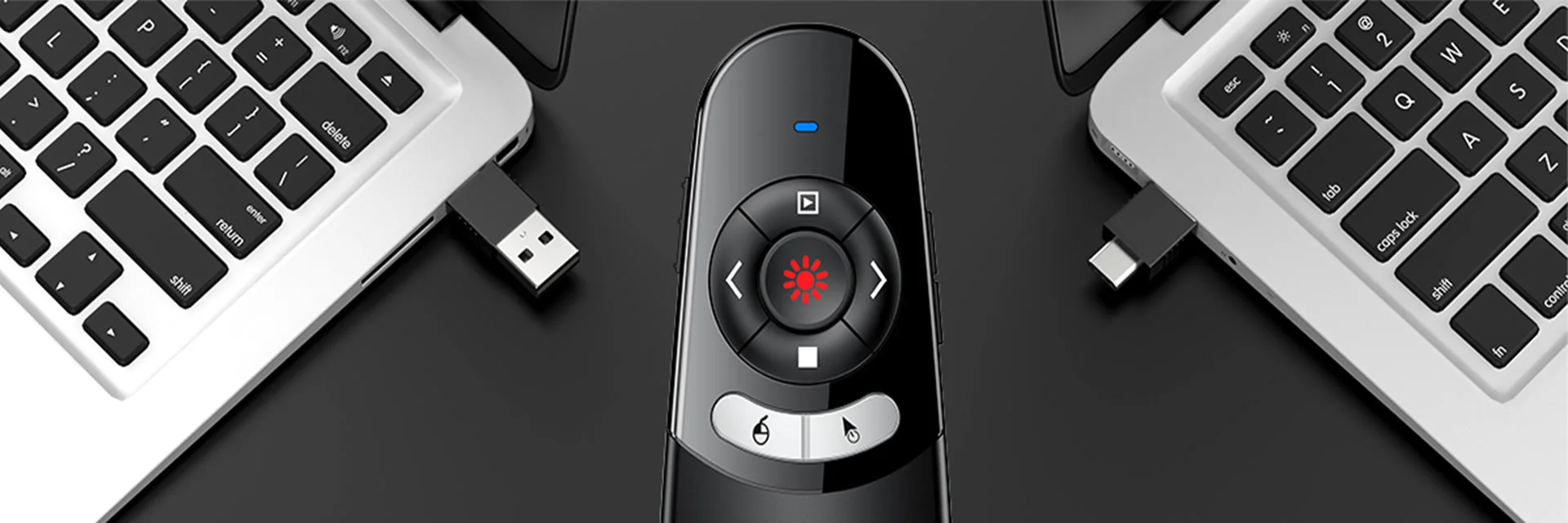
Power is the other quiet decision. The rechargeable air mouse holds a built-in 300 mAh battery that charges in about 3 hours, and it goes to sleep on its own when left idle. Our clickers run on AAA cells you can buy anywhere: two in most of them, one in the slim D-Series. A spare pair in the laptop bag covers the morning the cells run out.
The keys that matter mid-talk
Every one of our remotes pages forward and back, and every one has keys for black screen and full screen. All but the classic clicker add volume keys, and most add a key to open a hyperlink and one to switch windows. On the digital pointer clicker, the extra keys drive the pointer, the spotlight, the magnifier and the marker. Learn the black screen key first, because a dark screen sends every eye in the room back to you.
Your keyboard can do the same jobs if the remote fails halfway through. Microsoft lists the keys PowerPoint for Windows uses in a slide show: N, Enter, Page Down, the right or down arrow and Spacebar go to the next slide. P, Page Up, the left or up arrow and Backspace go back. B or period shows a blank black slide, W or comma a blank white one, and Esc ends the show.
In Google Slides the list is shorter. Google names the right arrow for the next slide and the left arrow for the previous one. A blank black slide is b or period, a blank white one is w or comma, and Esc stops presenting. Write the two keys you would miss most on a sticky note inside the laptop lid.
The first time on a Mac
Apple says that when you connect a keyboard a Mac does not recognize right away, Keyboard Setup Assistant opens on its own so you can specify the keyboard type. Our reading is that a clicker receiver reaches the computer the way a small keyboard does, since its job is to send key presses. That would explain why the classic clicker and the rechargeable air mouse may need a short set-up on a Mac the first time.
Plug the receiver in at your desk the day before, not at the podium five minutes before you speak. Follow the prompts if the window appears, then open a slide show and press each key once. A remote that has already met the laptop is one less surprise in front of a room.
Pointer light safety
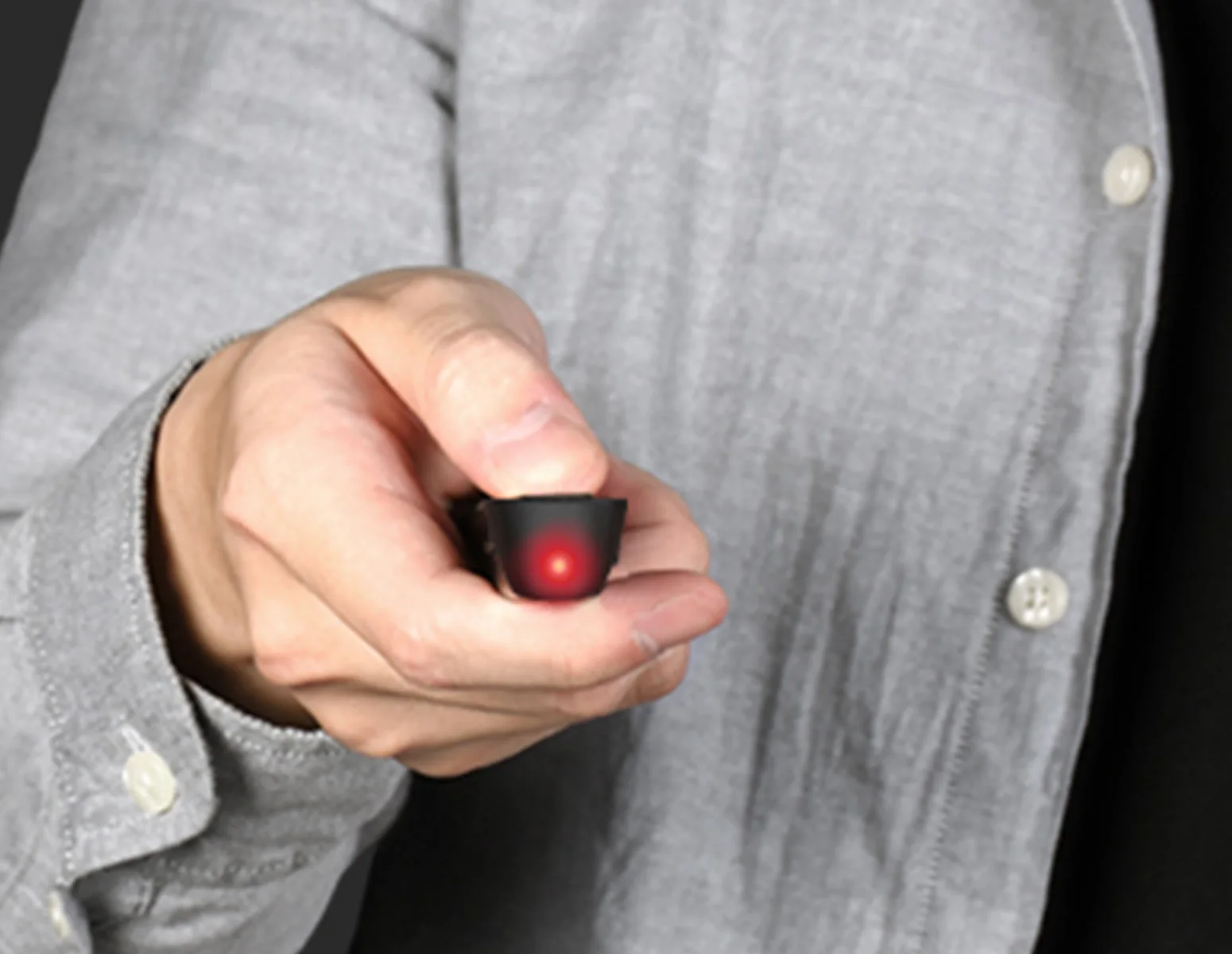
Treat the light in any remote the way the FDA asks you to treat a laser pointer. The FDA says light from a laser pointer aimed into the eye can be more damaging than staring directly into the sun. Its advice is never to aim or shine one at anyone and not to buy laser pointers for children. It also asks you to check that the label carries a class designation from Class I to IIIa.
- Keep the dot on the screen. Switch it off before you turn to face the room, and never sweep it across the audience.
- Never aim it at a person or an animal, which is the FDA's advice for any laser.
- Never aim it at a vehicle or an aircraft. The FDA and the FAA both say that pointing a laser at an aircraft is a federal crime, and the FAA adds fines for each violation.
- Do not buy or use a laser that emits more than 5mW or has no power printed on its label, as the FDA advises.
- Keep the remote in your bag, not in a drawer the children can reach. The FDA advises against letting children use laser pointers as toys.
The rechargeable air mouse carries its light 656 ft, far beyond any meeting room, so take extra care near a window or outside. When the room has a TV rather than a projector, the question goes away: switch the light off and point with the cursor instead. The air mouse presenters shelf holds both of ours, and the rechargeable presenter page covers the one that charges.
Matching the remote to the room
For a lecture hall with a projector, any of our remotes will do, and range decides between them. A meeting room with a wall TV calls for the digital pointer clicker or an air mouse. If you present in both, the digital pointer clicker covers the two with one remote. And for a quick talk at someone else's laptop, the presentation clickers with a USB-A and USB-C receiver plug into whatever is on the table. Questions about your setup can go to the help desk.
Every clicker and air mouse above sits in the DINOSTRIKE collection, and the presentation remotes shelf lines them up by range, power and receiver.
- Choosing a selection results in a full page refresh.
 DINOSTRIKE


