


Opens our retail partner in a new tab, where you pay and choose delivery.
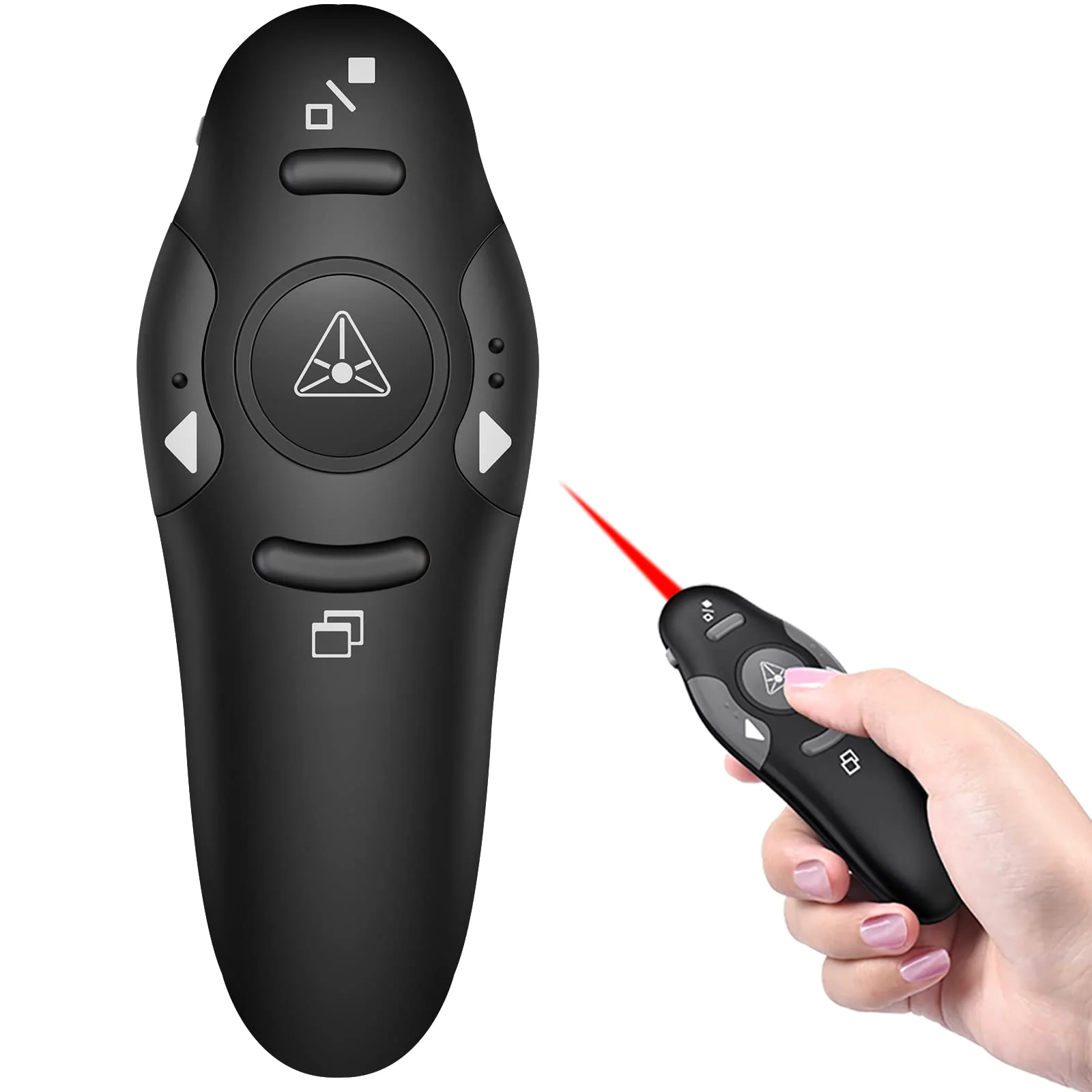
DINOSTRIKE Classic Clicker with Red Light
$9.99

Keys you can find without looking
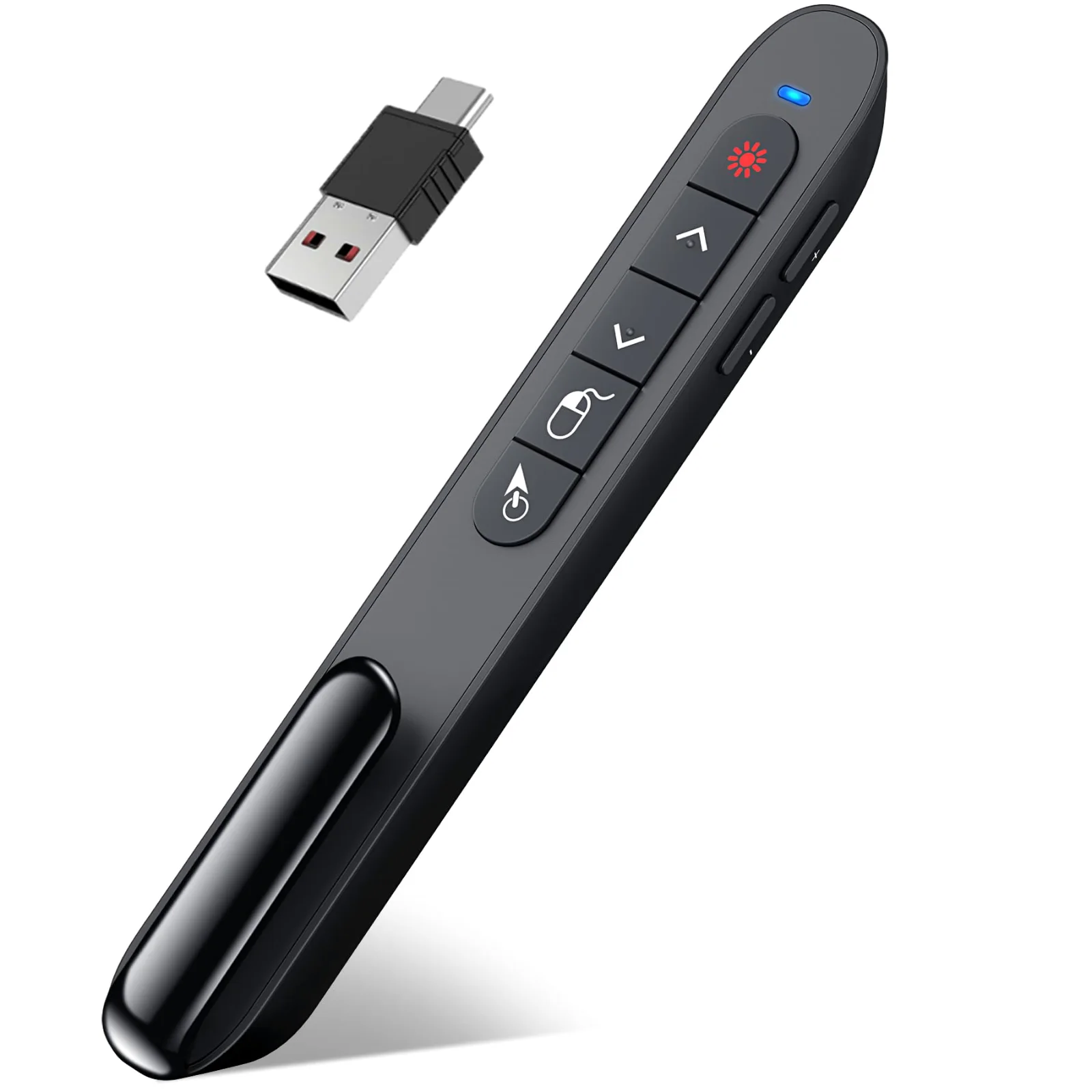
One key, one job: forward, back, black screen and the red light sit on separate keys you can tell apart by feel, so you never look down mid-sentence. The radio reaches 49 ft, plenty for a classroom or a meeting room.
Plug the USB-A receiver in and it works on Windows, Linux and Android, while a Mac may ask for a short set-up the first time. The receiver lives under the battery cover, and the whole clicker is small enough to keep in a desk drawer as the spare for the day the main one goes missing.
The Classic Clicker with Red Light is one of 4 models on the Presentation clickers shelf, part of DINOSTRIKE docks and remotes.
DINOSTRIKE Classic Clicker with Red Light specs
| Spec | Value |
|---|---|
| Power | Not stated |
| Receiver | USB-A receiver |
| Radio range | 49 ft |
| Air mouse range | No air mouse |
| Pointer | red light |
| Keys | Page forward and back, Black screen and full screen |
| Systems | Windows XP and later, Linux, Android; a Mac may need a short set-up first |
| Software | PowerPoint, Keynote, Google Slides, Prezi, Word, Excel |
In the box
- 1 clicker with USB receiver
- 1 user manual
- One button, one job: separate keys you can tell apart by feel.
- The USB receiver sits under the battery cover.
- The red light is not meant for TV, LED or LCD screens.
Which pointer for which screen
| Your screen | What shows | Which remote |
|---|---|---|
| Projector screen | A red or green light shows on the screen. | Any of our remotes with a light |
| TV, LED or LCD panel | A light does not show on a lit panel. You need a pointer drawn by the computer. | The digital pointer clicker, or an air mouse moving the real cursor |
| Laptop screen at a small table | Point with the cursor and keep the room's eyes on the slide. | An air mouse remote |
Questions about the DINOSTRIKE Classic Clicker with Red Light
What comes in the box with the DINOSTRIKE Classic Clicker with Red Light?
In the box: 1 clicker with USB receiver, 1 user manual.
How far can you stand from the laptop with the DINOSTRIKE Classic Clicker with Red Light?
Its radio works up to 49 ft from the receiver, and the spec table lists its 2 keys.
What powers the DINOSTRIKE Classic Clicker with Red Light?
It runs on its own battery. Keep spare cells in your bag.
More DINOSTRIKE presentation remotes
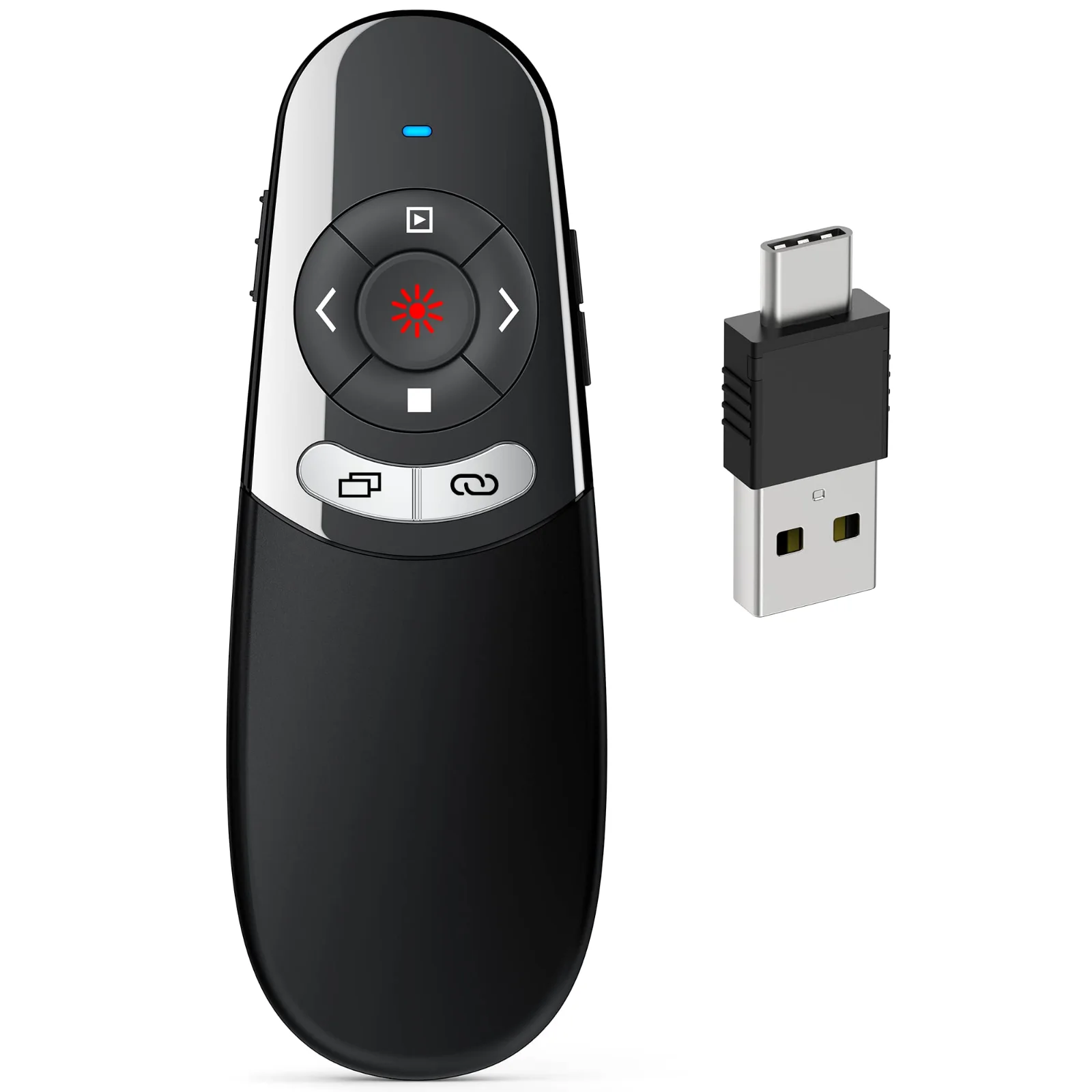
DINOSTRIKE 2-in-1 USB-A and USB-C Clicker
One receiver with both plugs, for a Mac one day and a PC the next
- 164 ft
- 2 × AAA
- USB-A + C
- Price
- $15.99
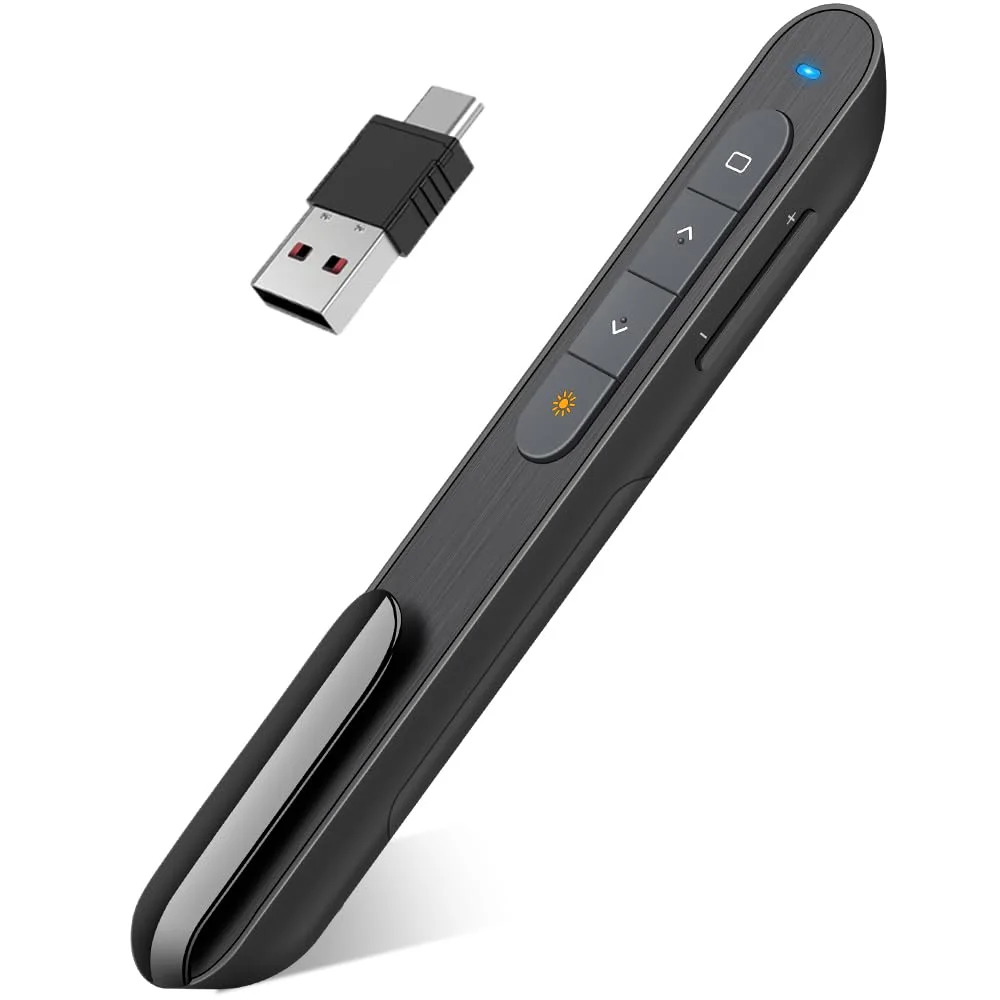
DINOSTRIKE D-Series Dual-Connector Clicker
Light and slim, one AAA cell, both plugs on one receiver
- 100 ft
- 1 × AAA
- USB-A + C
- Price
- $15.99
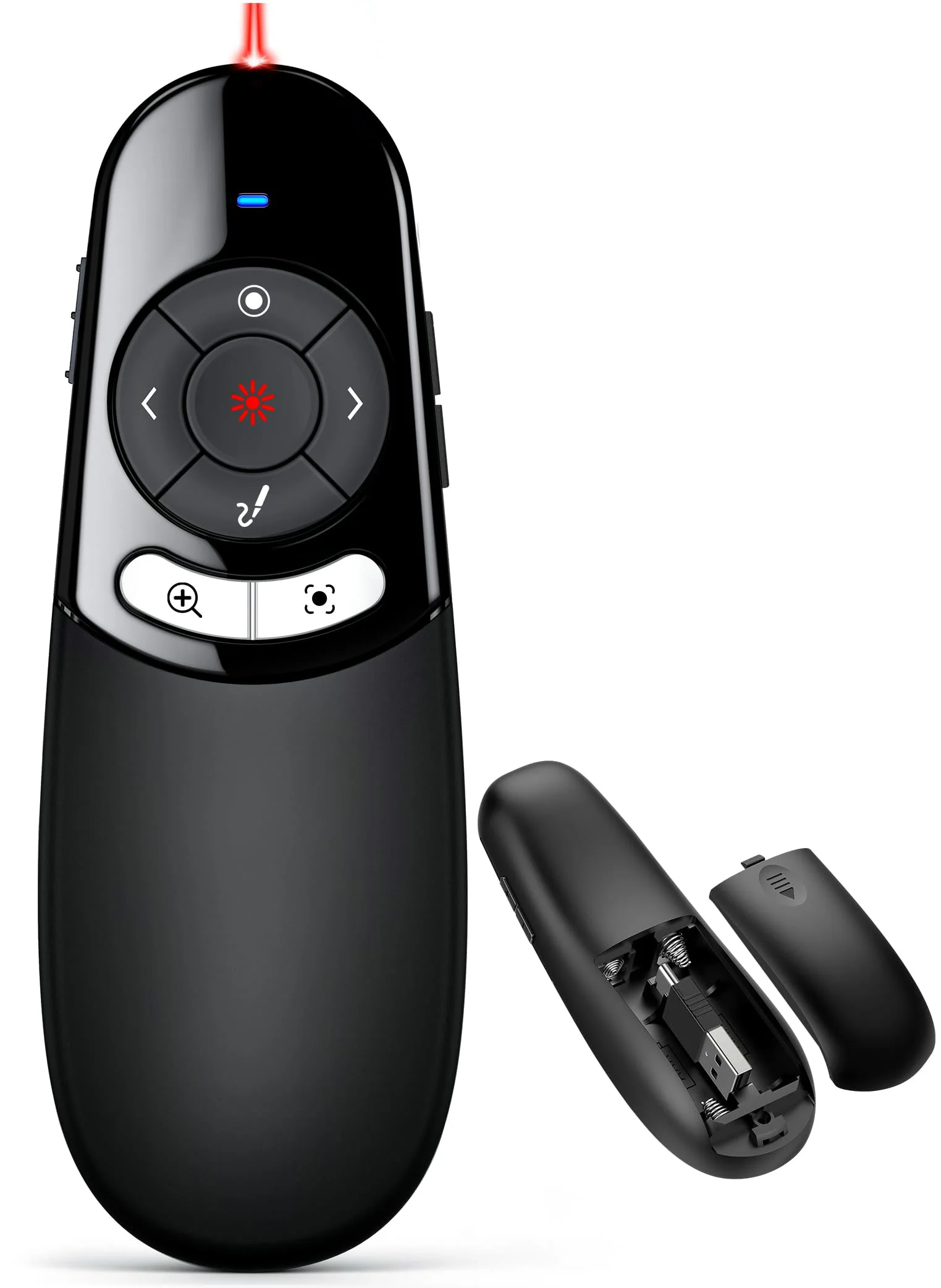
DINOSTRIKE Physical and Digital Pointer Clicker
A red light for projectors and an on-screen pointer for TVs
- 2 × AAA
- USB-A + C
- Price
- $39.99
DINOSTRIKE Rechargeable Air Mouse Presenter
Tilt to move the cursor; recharge once and present for weeks
- 164 ft
- Rechargeable
- USB-A + C
- Air mouse
- Price
- From $25.99
- Choosing a selection results in a full page refresh.
 DINOSTRIKE


